01
Wo werden Bestellungen versendet und wie lange dauert die Lieferung?
Die meisten iKAGOO-Bestellungen werden von unserem Fulfillment-Standort in China
nach Prüfung der Produktkonfiguration und der Fahrzeuginformationen
versendet.
Die normale Auftragsbearbeitung dauert ungefähr
1-3 Arbeitstage.
Die voraussichtliche Lieferzeit nach dem Versand beträgt in der Regel:
- USA & Kanada: ca. 5–9 Werktage
- Europäische Union: ca. 7–15 Werktage
- UK & Australien: ca. 7–10 Werktage
- Weitere unterstützte Regionen: ca. 7–20 Werktage
Zollabfertigung, Feiertage, Wetter, Transportverzögerungen und
Lieferungen in abgelegene Gebiete können diese Schätzungen beeinflussen.
02
Muss ich Mehrwertsteuer, Einfuhrzölle oder Zollgebühren zahlen?
Der standardmäßige internationale Versand umfasst normalerweise nicht
die Mehrwertsteuer des Ziellandes, Einfuhrzölle, Vermittlungsgebühren oder
Zollabfertigungsgebühren.
Für berechtigte Ziele in der Europäischen Union,
DDP-Versand ist möglicherweise verfügbar.
Einfuhrbezogene Gebühren sind nur enthalten, wenn DDP an der Kasse ausgewählt oder von iKAGOO vor dem Versand schriftlich bestätigt wurde.
Wenn DDP nicht ausgewählt wird, liegen Gebühren, die vom lokalen Zoll oder vom Zustellkurier erhoben werden, in der Regel in der Verantwortung des Empfängers.
03
Kann ich Expressversand anfragen und wie verfolge ich das Paket?
Express- oder beschleunigter Versand ist möglicherweise für ausgewählte Produkte und Ziele verfügbar. Verfügbarkeit, Spediteur und eventuelle Zusatzkosten werden vor dem Versand bestätigt.
Je nach Route und Produkttyp kann iKAGOO DHL, FedEx, UPS, EMS, 4PX oder einen anderen Sendungsverfolgungs-Logistikanbieter nutzen.
Nach dem Versand wird die Sendungsnummer oder der Tracking-Link normalerweise an die für die Bestellung verwendete E-Mail-Adresse gesendet. Sendungsverfolgungs-Updates können während internationaler Spediteur-Übergaben mehrere Werktage benötigen, bis sie erscheinen.
04
Wie lautet die Rückgabe- und Erstattungsrichtlinie?
Die Rückgabefähigkeit hängt vom Rückgabegrund, Produktzustand,
Installationsstatus, unterstützenden Nachweisen und
davon ab, ob die Rückgabe von iKAGOO genehmigt wurde.
Bei einer genehmigten, nicht-defekten Rückgabe muss das Produkt normalerweise
unbenutzt, nicht installiert, vollständig und für den Wiederverkauf geeignet bleiben.
Der Kunde ist in der Regel für die Versandkosten der genehmigten Rückgabe
verantwortlich.
Die ursprünglichen Versandkosten, DDP, Mehrwertsteuer, Zollgebühren und andere Logistikkosten
sind in der Regel nicht erstattungsfähig, es sei denn, dies ist gesetzlich vorgeschrieben oder
von iKAGOO anderweitig bestätigt.
Senden Sie kein Produkt zurück, bevor Sie eine genehmigte
Rücksendeadresse und Rücksendeanweisungen von iKAGOO erhalten haben.
05
Was ist, wenn das Produkt nach der Kompatibilitätsprüfung weiterhin nicht installiert werden kann?
Zusätzlicher Schutz kann gelten, wenn iKAGOO die
Fahrzeugkompatibilität überprüft hat, der Kunde genaue Fahrzeugdaten
angegeben hat und angemessene Installations- und Diagnoseschritte
abgeschlossen wurden.
Wenn iKAGOO bestätigt, dass keine angemessene technische Lösung
verfügbar ist und das Problem innerhalb
7 Kalendertage nach Lieferung,
kann der Kunde möglicherweise eine Erstattung des Produktpreises erhalten,
ohne dass das Produkt zurückgesendet werden muss.
Originalversand, DDP, Mehrwertsteuer, Zollgebühren und andere
Gebühren Dritter sind in dieser Erstattung des Produktpreises nicht enthalten.
06
Welche Garantie wird gewährt, und erlischt sie durch das Öffnen des Produkts?
Förderfähige Produkte umfassen eine
12 Monate beschränkte Hardware-Garantie
die verifizierte Herstellungsfehler und förderfähige Hardwarefehler bei normalem Gebrauch abdeckt.
Je nach verifiziertem Problem kann der Support Ferndiagnose, Konfigurationshilfe, Ersatzteile, Reparatur, Austausch, Teilerstattung oder vollständige Erstattung umfassen.
Eine Inspektion oder Prüfung durch Dritte annulliert nicht automatisch
die gesamte Garantie. Schäden durch nicht autorisierte Reparaturen, unsachgemäße Modifikationen, defekte Schaltkreise,
fehlerhaften Zusammenbau, falsche Verkabelung, Stöße, Wassereintritt
oder Missbrauch sind jedoch normalerweise nicht abgedeckt.
Kontaktieren Sie vor dem Zerlegen, Modifizieren oder Reparieren
des Produkts iKAGOO, damit die korrekte Diagnoseanleitung bereitgestellt werden kann.
07
Was passiert, wenn meine Bestellung beschädigt ankommt oder Teile fehlen?
Wenden Sie sich innerhalb von an iKAGOO
7 Kalendertage nach Lieferung
und bewahren Sie die Originalverpackung, das Versandetikett, das Zubehör
und das Produkt auf.
Bitte reichen Sie aussagekräftige Fotos oder Videos ein, die Folgendes zeigen:
- Der äußere Versandkarton und das Versandetikett
- Sichtbare Verpackungsschäden
- Das Produkt und der betroffene Bereich
- Alle Zubehörteile und Kabel erhalten
Nach der Überprüfung kann iKAGOO eine Lieferung fehlender Teile,
einen Ersatz, eine Reparatur, eine Rückerstattung oder eine andere zumutbare Lösung veranlassen.
08
Was passiert, wenn ich die falsche Version bestellt habe oder meine Bestellung ändern muss?
Kontaktieren Sie iKAGOO so schnell wie möglich und vor der Installation.
Für Adress-, Fahrzeugkonfigurations- oder Produktänderungen kontaktieren Sie
uns vorzugsweise innerhalb
12 Stunden nach der Bestellung.
Ein Umtausch oder eine Rückgabe kann genehmigt werden, wenn ein falsch
ausgewähltes Produkt unbenutzt, nicht installiert, vollständig und
für den Wiederverkauf geeignet bleibt. Kunden sind in der Regel für
relevante Versandkosten und Preisunterschiede verantwortlich.
Fahrzeugspezifische Produkte können kurz nach der Zahlung in Beschaffung, Programmierung,
Tests oder Konfiguration übergehen. Sobald die Vorbereitung
oder der Versand begonnen hat, ist eine Stornierung möglicherweise nicht mehr möglich,
oder bereits angefallene angemessene Kosten können abgezogen werden.
09
Was ist in dem Paket enthalten?
Der Lieferumfang variiert je nach Produkt, Fahrzeugmodell, Werkssystem
und gewählter Konfiguration.
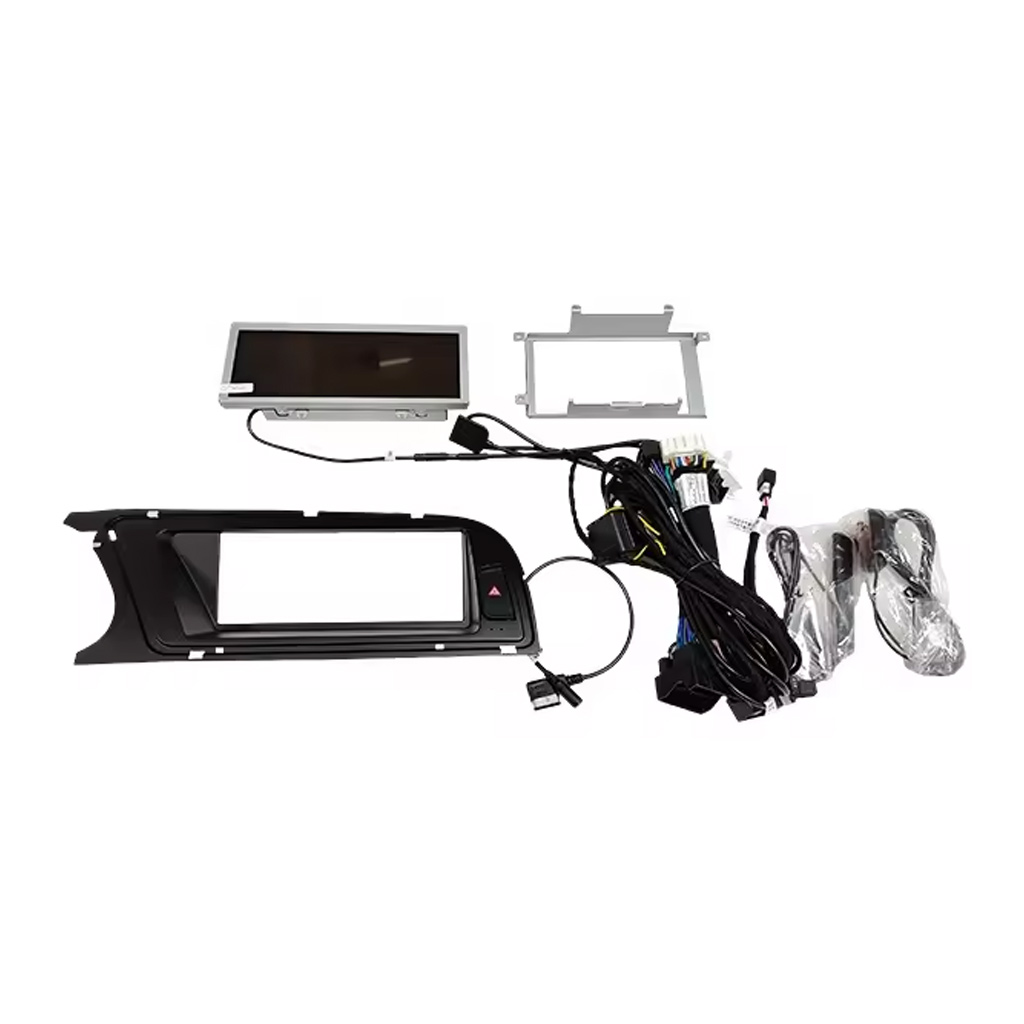
Je nach Produkt kann das Paket das Hauptgerät,
fahrzeugspezifische Kabelbäume, CANBUS-Schnittstelle,
Adapter, USB-Kabel, Antennen, Mikrofone, Montagematerial
oder andere erforderliche Installationszubehörteile enthalten.
Beachten Sie die entsprechenden Produktbilder, Spezifikationen und die Bestellbestätigung
für den genauen Inhalt Ihrer Bestellung.
10
Wie kann ich iKAGOO für technischen Support oder Kundendienst kontaktieren?
Sie können iKAGOO über das Kontaktformular der Website,
WhatsApp oder andere verfügbare Support-Kanäle kontaktieren. Die typische Antwortzeit
liegt innerhalb von 24 Geschäftsstunden.
Für eine schnellere technische Diagnose geben Sie Ihre Bestellnummer,
Fahrzeugmodell und -jahr, relevante Fotos des Werkssystems,
Produktfotos und ein klares Video, das das Problem zeigt, an.
Kontaktieren Sie den iKAGOO-Support →
11
Ist die Zahlung sicher und stehen Ratenzahlungsoptionen zur Verfügung?
Zahlungen werden über die sicheren Zahlungsmethoden
abgewickelt, die beim Checkout angezeigt werden.
Verfügbare Karten-, Wallet- und Ratenzahlungsoptionen können je nach
Land, Währung, Zahlungsanbieter und Kundenberechtigung variieren.
Ratenzahlungsdienste, einschließlich der von PayPal oder
einem anderen Zahlungsanbieter angebotenen Optionen, unterliegen weiterhin der
regionalen Verfügbarkeit und den Genehmigungsanforderungen dieses Anbieters.
Dieser Abschnitt ist ein vereinfachter Kundenleitfaden. Die vollständig veröffentlichten
Richtlinienseiten, die Auftragsbestätigung und das anwendbare Verbraucherrecht haben
Vorrang, falls abweichende Formulierungen vorliegen.














Jordanien Miles -
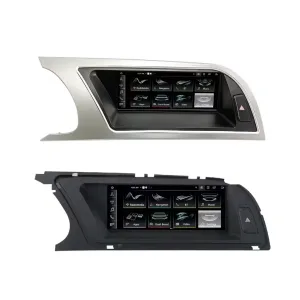
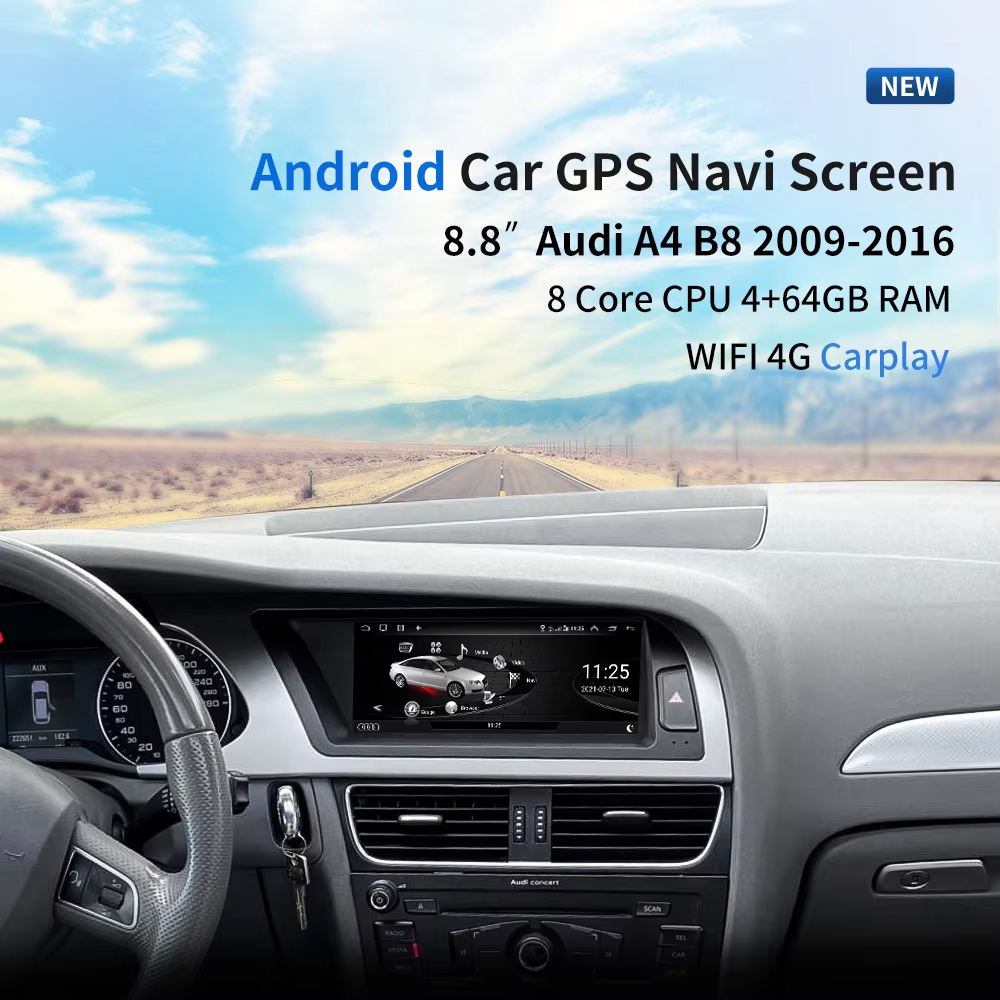
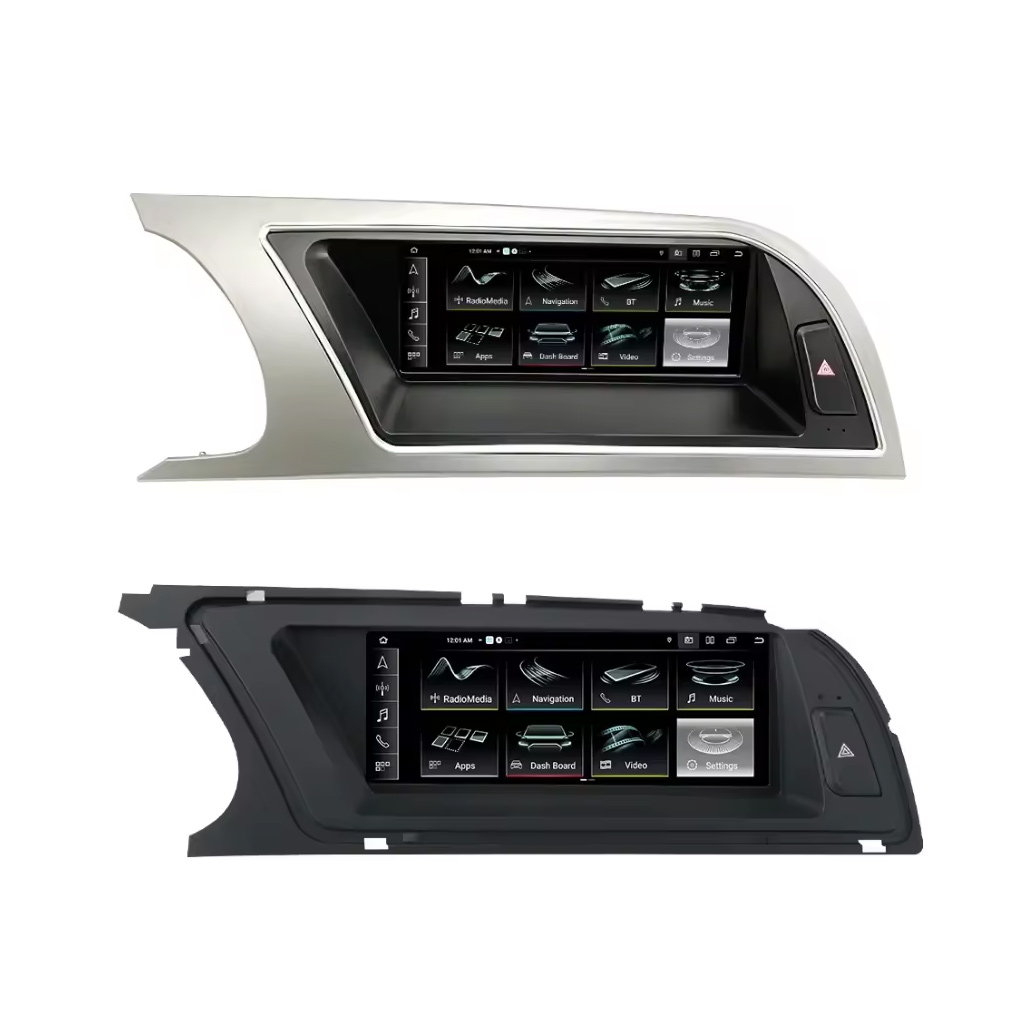
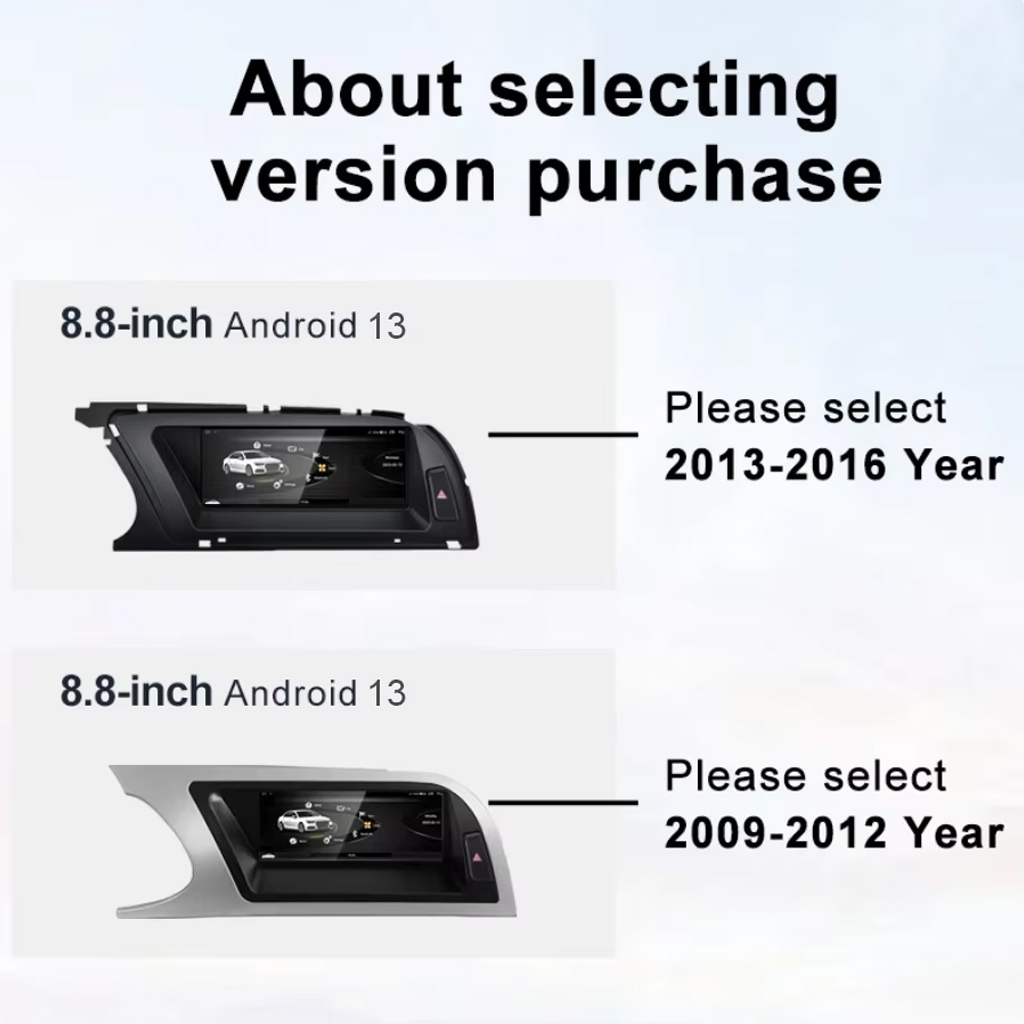
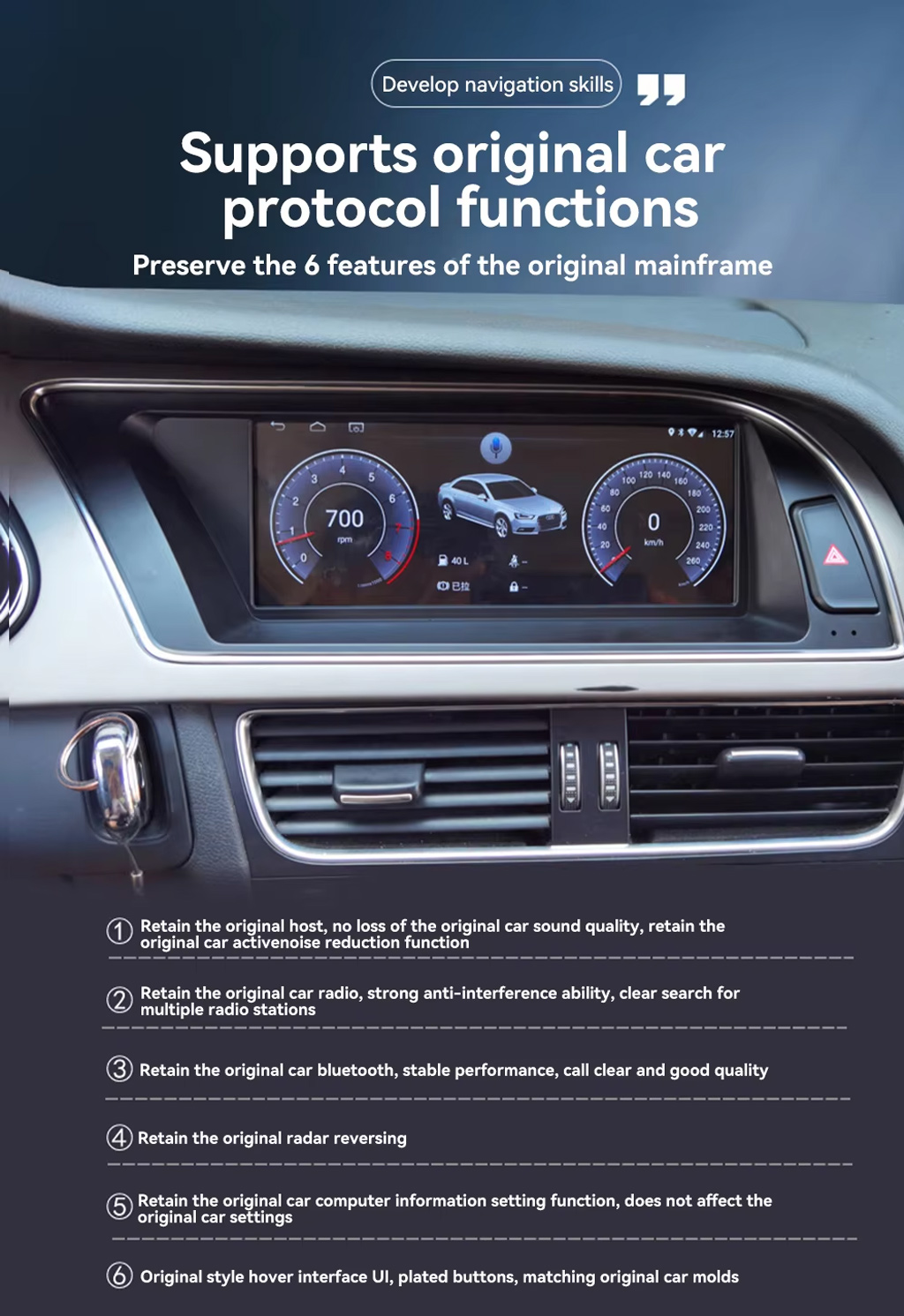
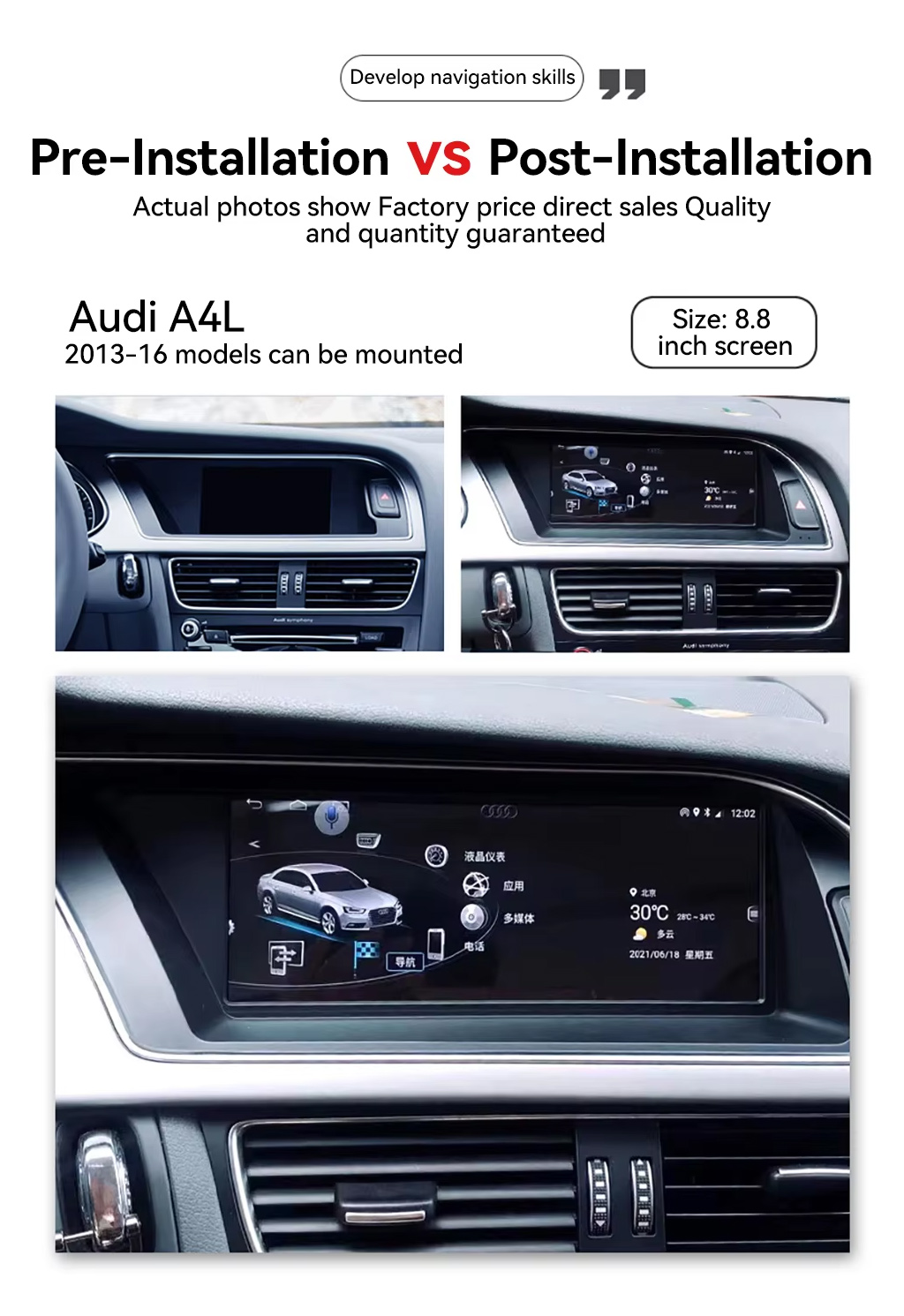
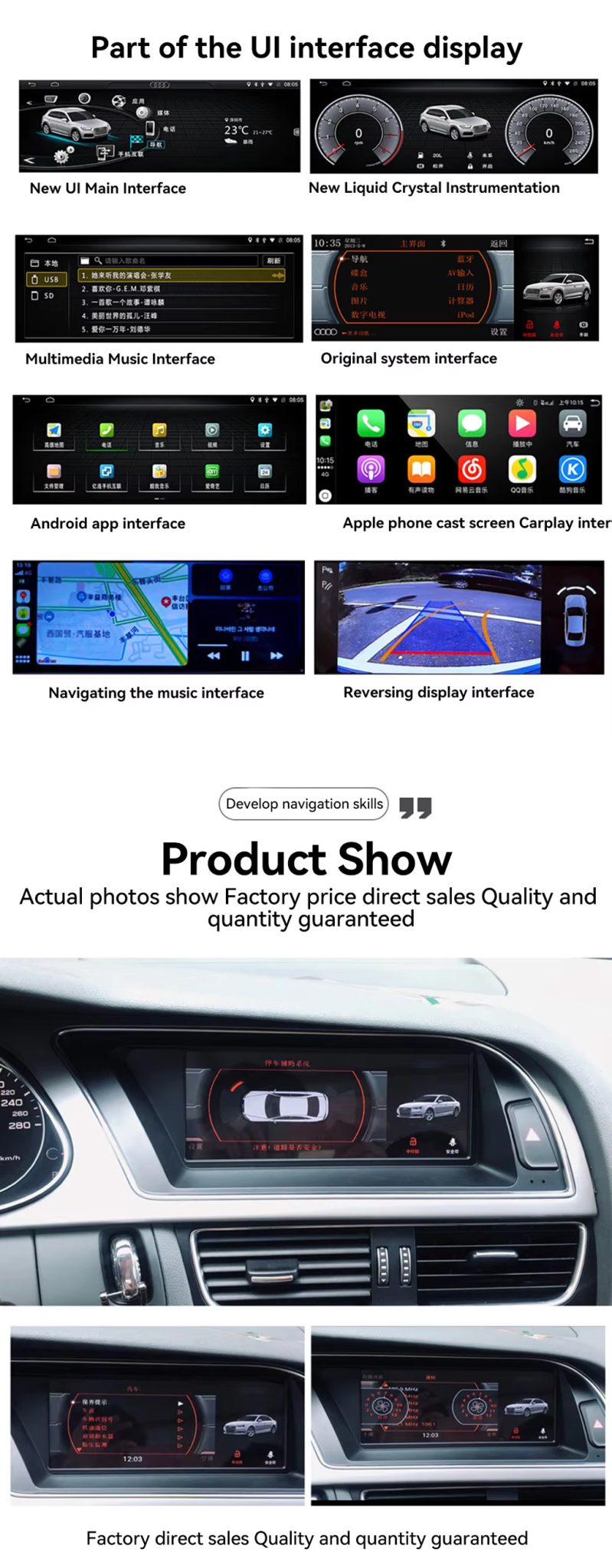
Installiert auf meinem 2013 A4. Die 8,8 "Bildschirm fällt direkt in und sieht Fabrik. Wireless CarPlay verbindet in Sekunden und die MMI-Steuerelemente noch funktionieren. Verpackung von Sky Universe war solide.
Derek Harrington -
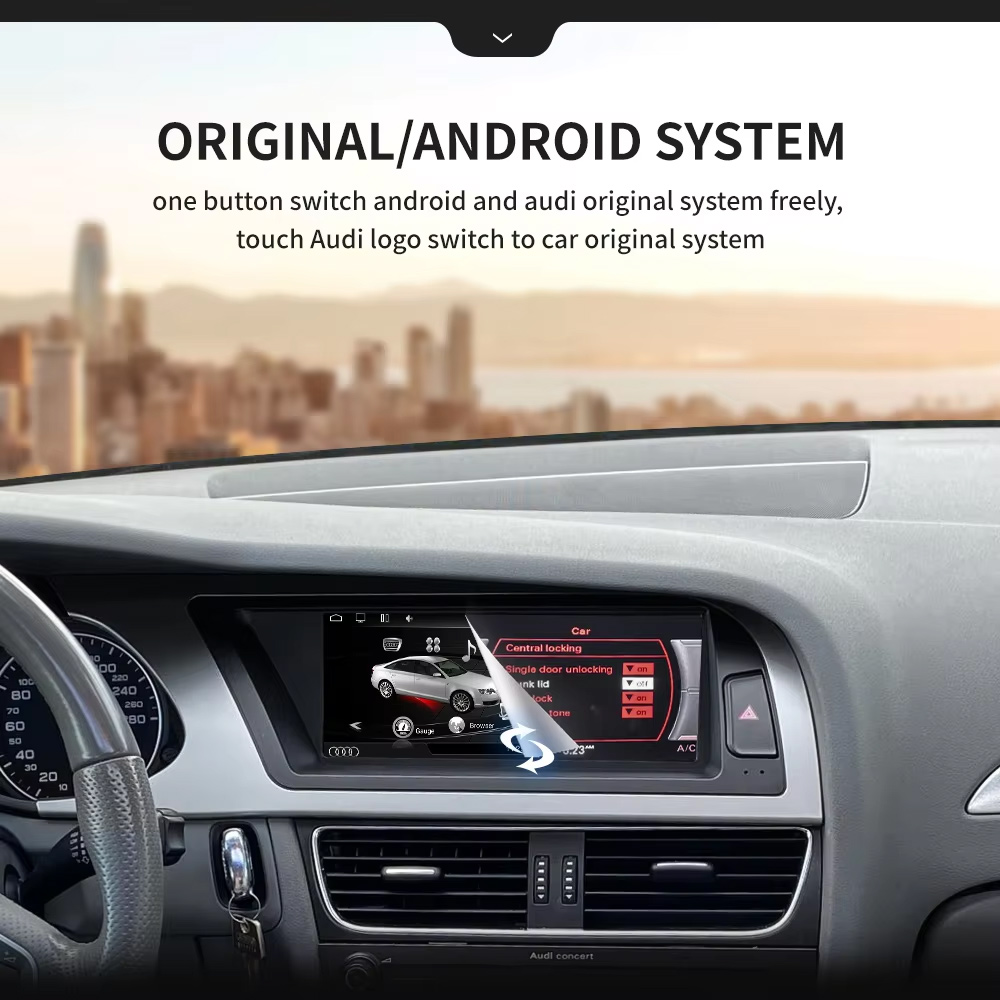
Eine absolute Revolution für meinen Audi A5 aus dem Jahr 2011! Das alte Symphony-Radio mit diesem winzigen, nicht-berührungsempfindlichen Bildschirm hat mich in den Wahnsinn getrieben. Dieses Android-Gerät haucht dem Auto neues Leben ein. Es wechselt nahtlos zwischen der serienmäßigen Audi-Benutzeroberfläche und dem Android-System hin und her. Das drahtlose Apple CarPlay verbindet sich automatisch innerhalb von Sekunden nach dem Starten des Motors. Die Klangqualität über AUX ist hervorragend.
yan Mitchell -
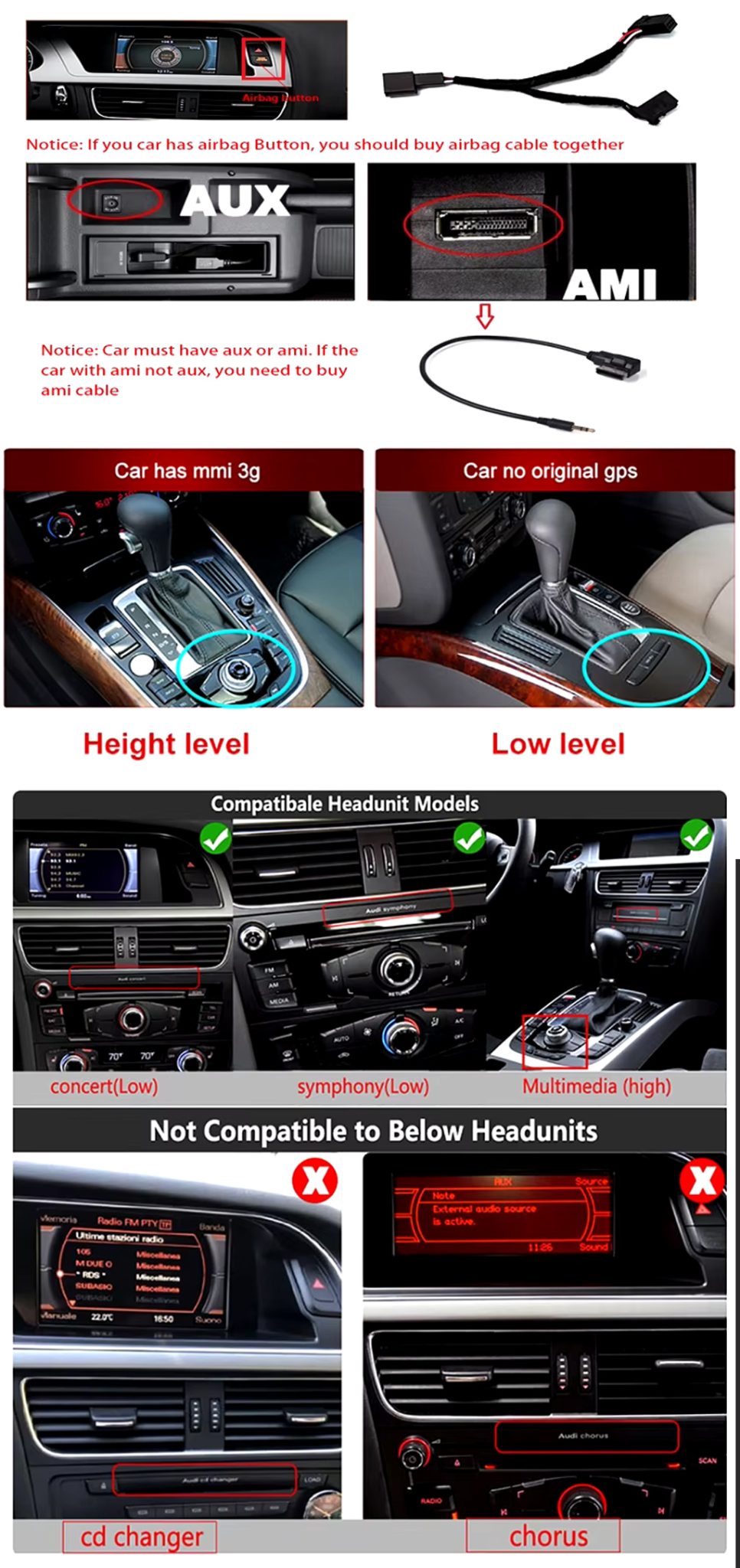
Installation wasn’t difficult, but checking the original MMI and AUX setup first was important. We spent extra time confirming the correct cable route before putting everything back together. Once installed, everything worked properly.