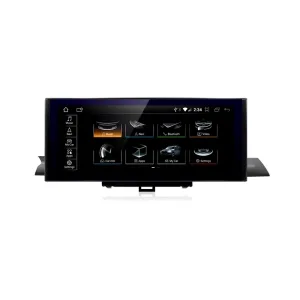
Audi Q3 CarPlay Screen for a cleaner, more modern daily drive
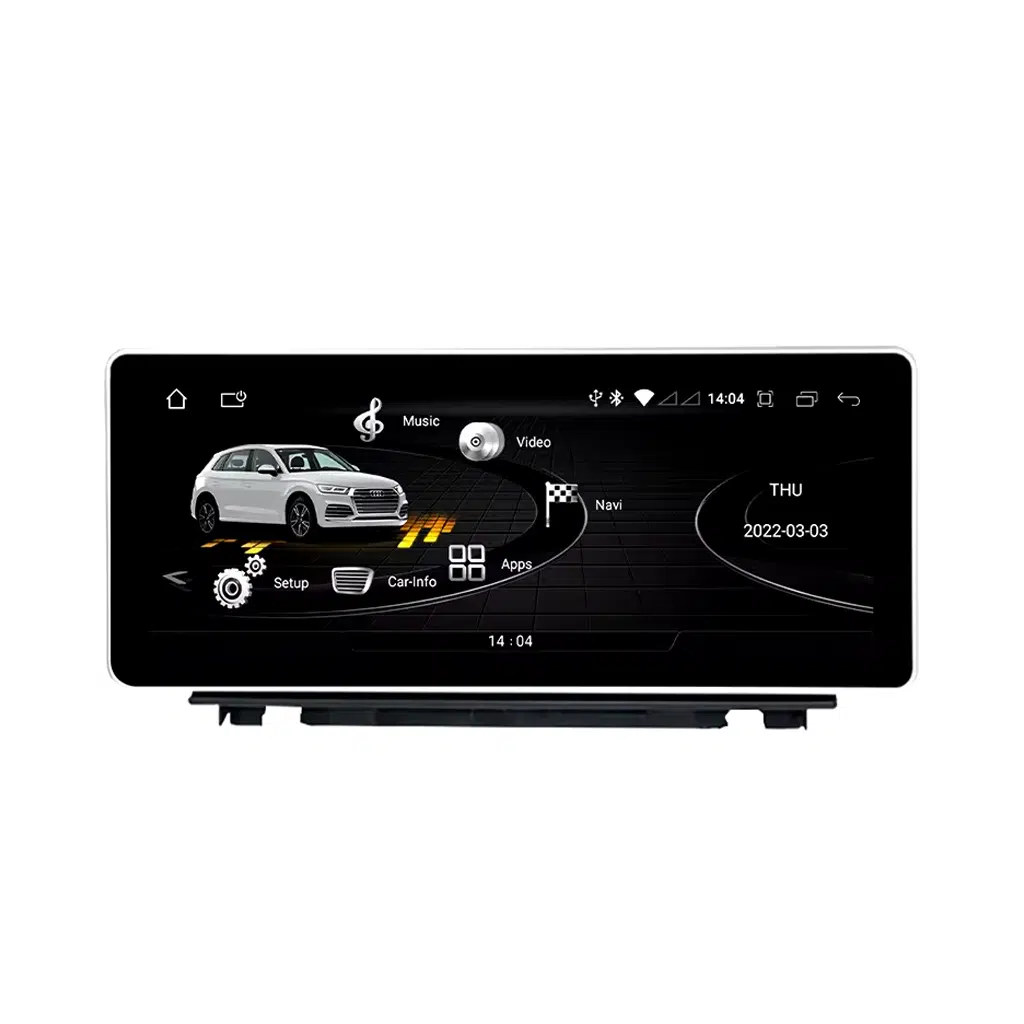
Das Audi Q3 CarPlay Screen upgrades your 2013–2018 Audi Q3 8U with a 10.25-inch or 12.3-inch Android 13 display, wireless CarPlay, Android Auto, GPS navigation, 4G/WiFi connectivity and DSP sound control.
iKAGOO prepares the screen, harness and vehicle interface according to your Audi Q3 year, dashboard layout, LHD/RHD position, factory system and connector photos before shipment.
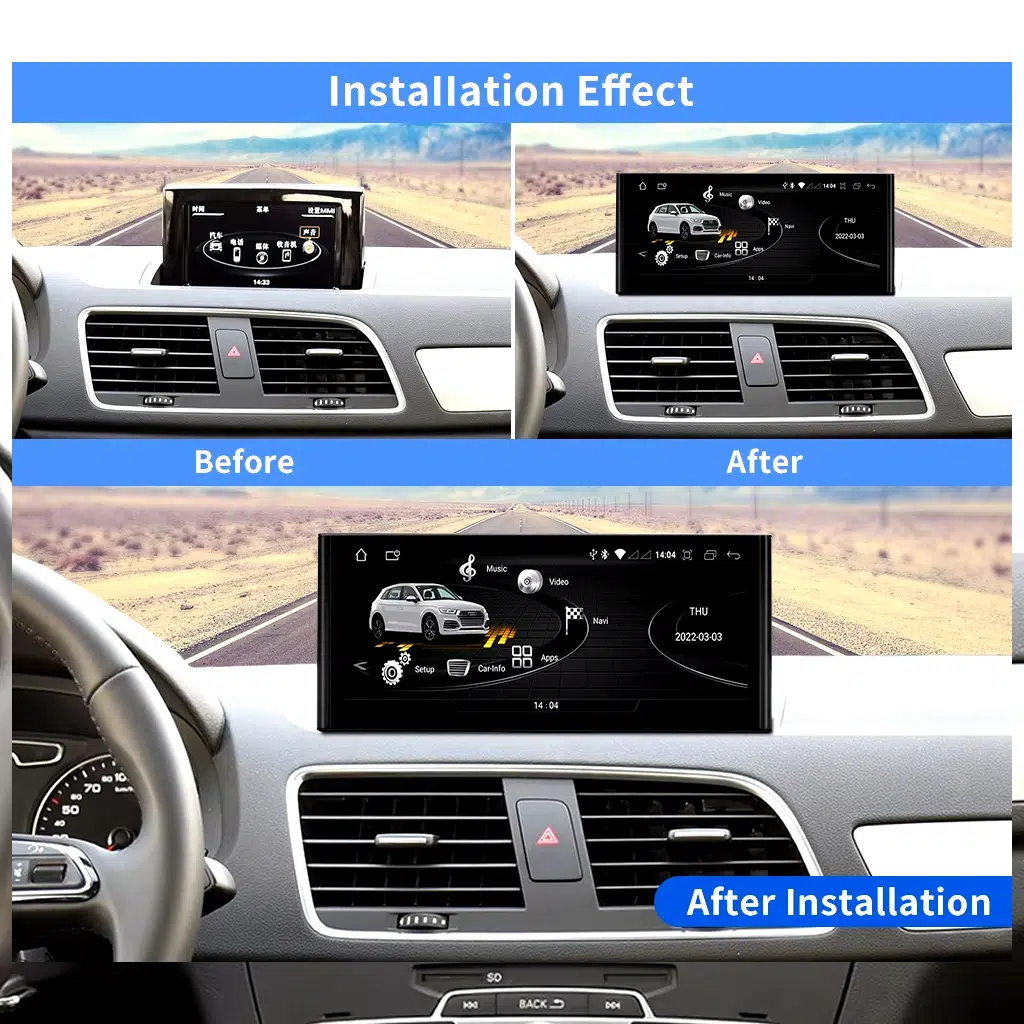
Dieses iKAGOO-Upgrade ist fahrzeugspezifisch Audi Q3 CarPlay Screen for the 2013–2018 Audi Q3 8U. It upgrades the factory infotainment experience with a larger 10.25-inch or 12.3-inch Android 13 touchscreen, wireless CarPlay, Android Auto, GPS navigation, 4G/WiFi and DSP audio control. Supported original functions such as steering-wheel controls, original Audi menu switching, factory buttons, compatible reverse-camera input and factory audio connection continue to work after correct installation and configuration. Before shipment, iKAGOO checks your vehicle year, dashboard layout, factory system, LHD/RHD position and connector photos to prepare the correct version. It is suitable for Q3 owners who want a modern Android Auto screen upgrade instead of only repairing the old factory display.
Audi Q3 CarPlay Screen upgrade, functions and hardware
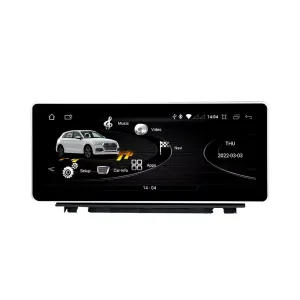
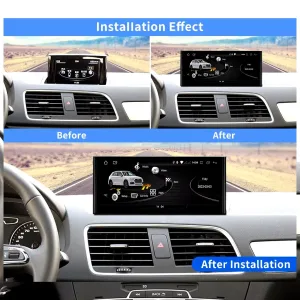
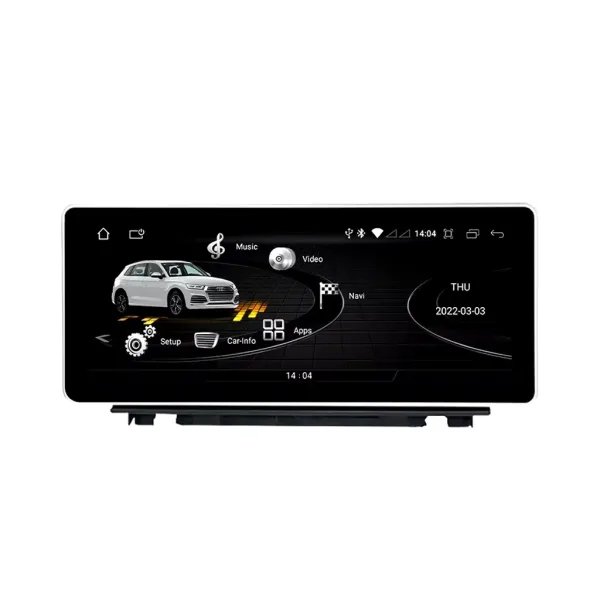
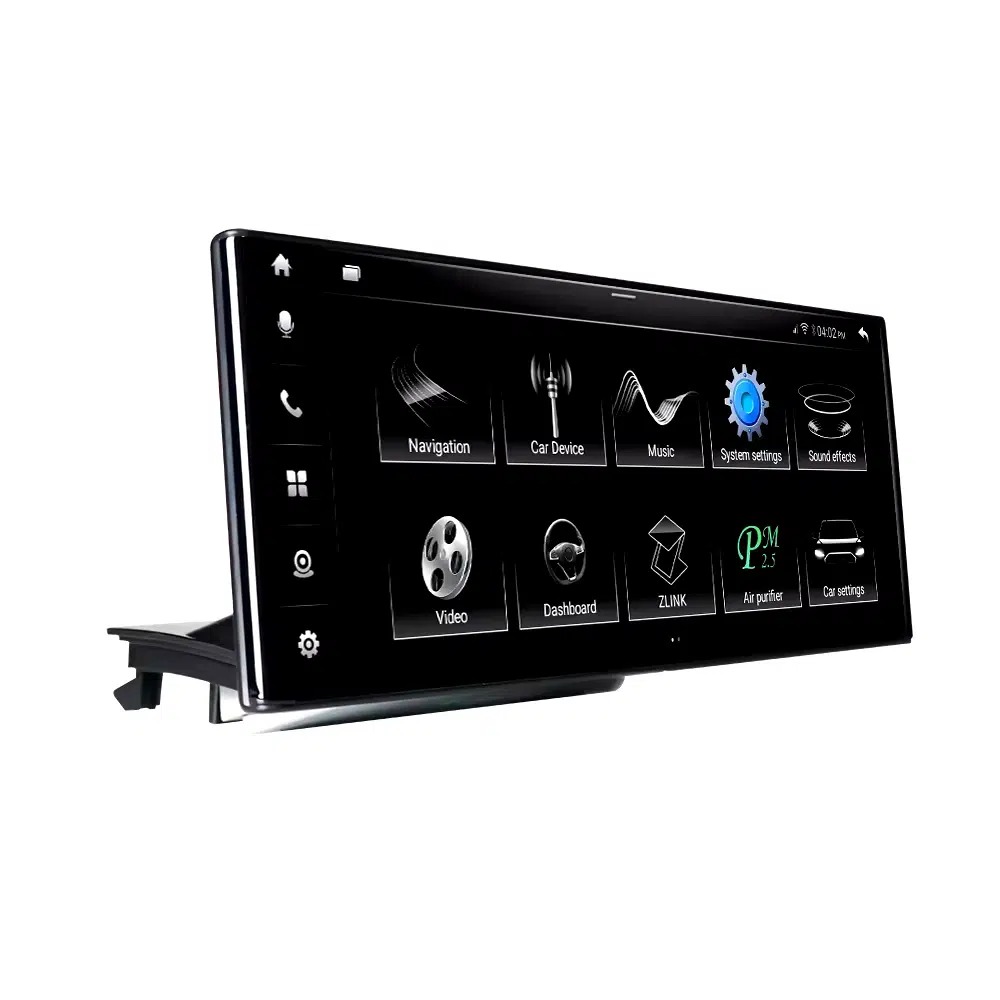
Wide-screen CarPlay experience for your Audi Q3
The larger screen gives your Q3 a cleaner navigation and media interface while keeping the dashboard style restrained and Audi-appropriate.
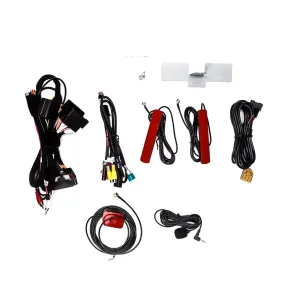
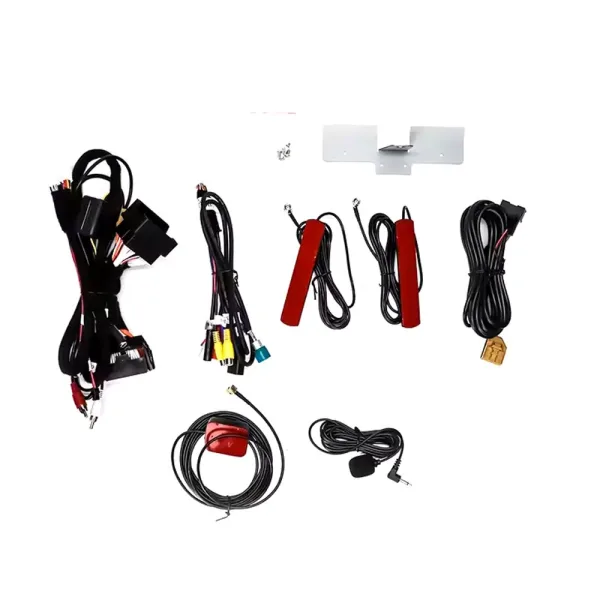
Vehicle-specific harness and antennas
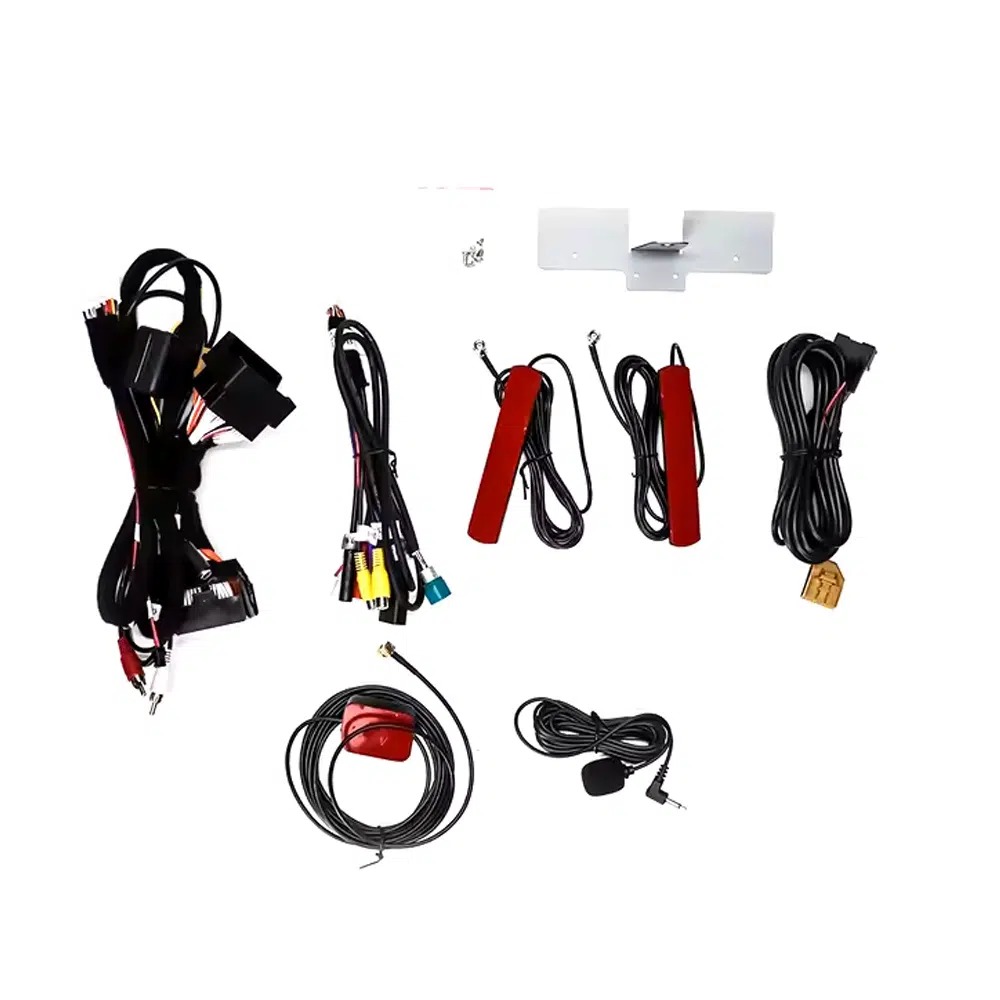
The supplied connection kit helps your Audi Q3 CarPlay Screen communicate with the factory system, GPS, WiFi, USB and microphone setup.
Factory-style Android screen body
The screen is prepared around the Audi Q3 dashboard structure, helping the upgrade feel closer to a vehicle-specific replacement than a universal tablet.
Factory function integration matters
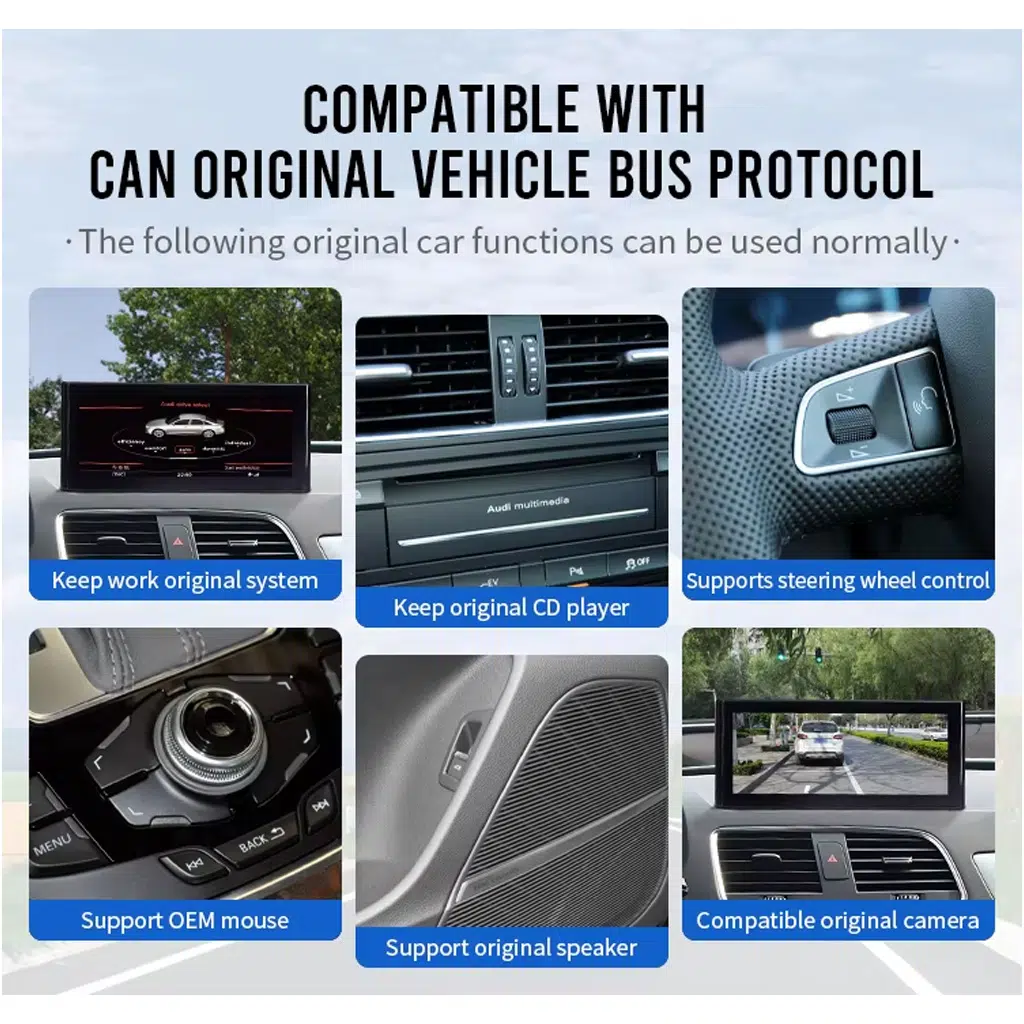
For daily driving, the upgrade is not only about CarPlay. Supported factory menu switching, vehicle interface functions and camera input are part of the buying decision.
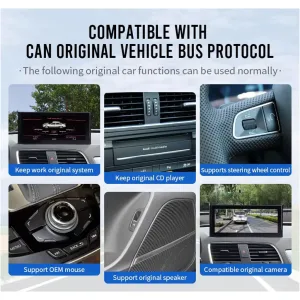
CANBUS support for original controls
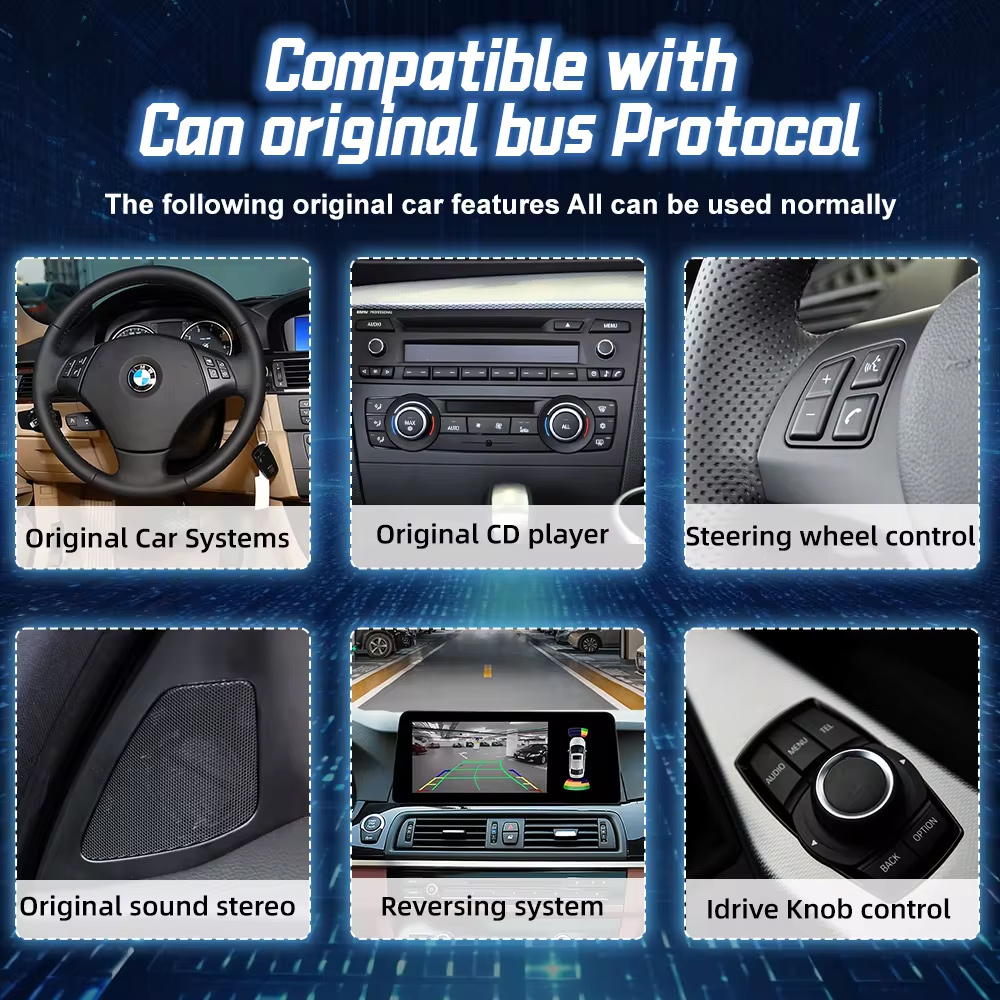
The matched CANBUS interface helps retain supported Audi controls and vehicle communication after correct installation and setup.
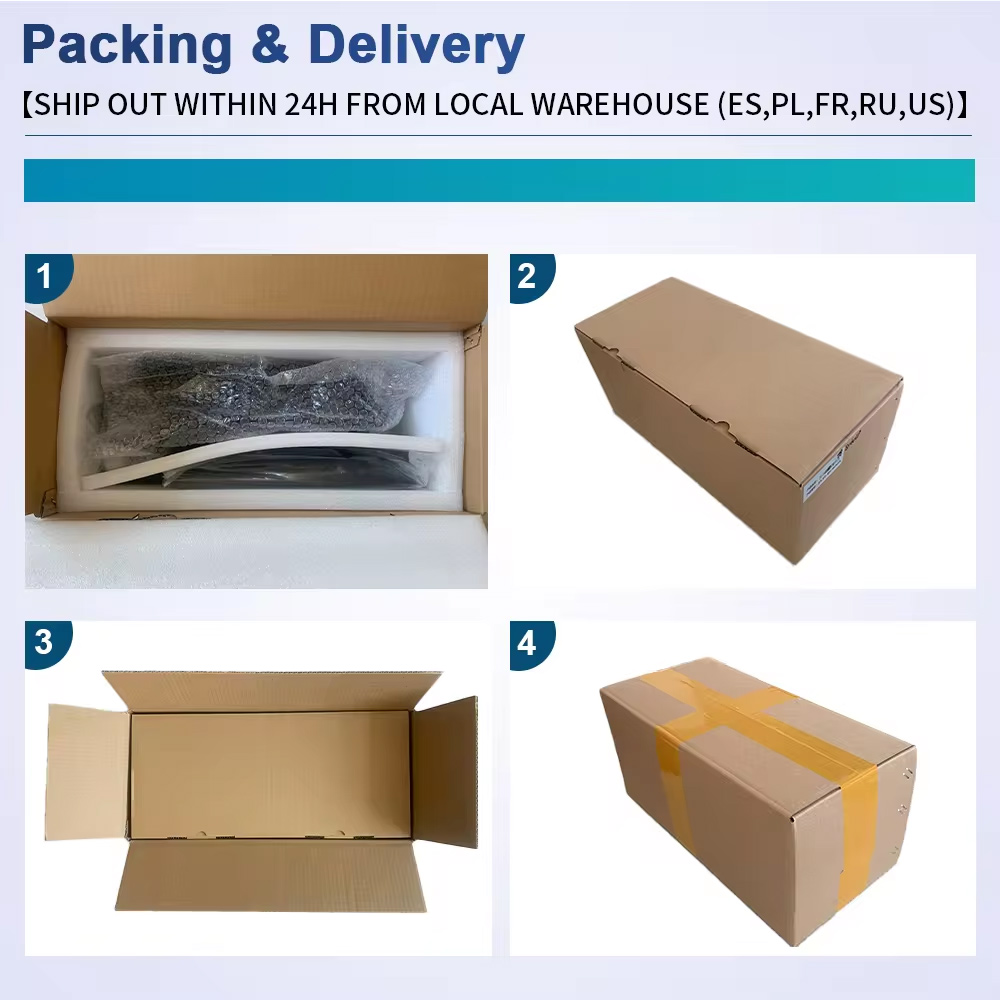
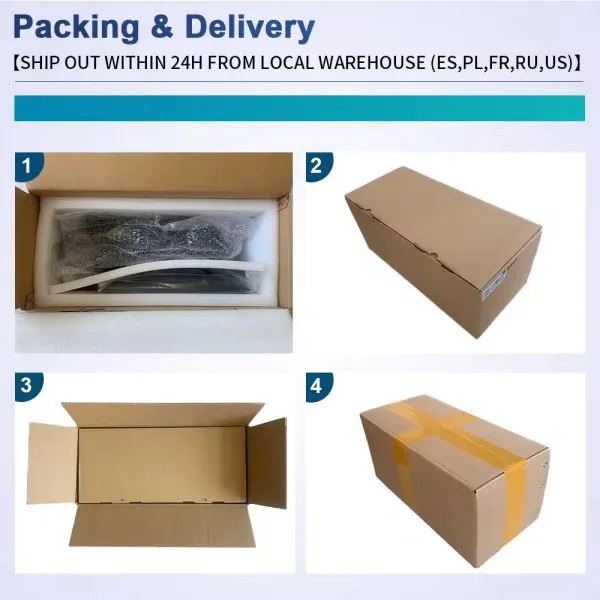
Protected packaging for international delivery
The screen and accessories are packed for tracked delivery so the installer receives the product and connection kit in usable condition.
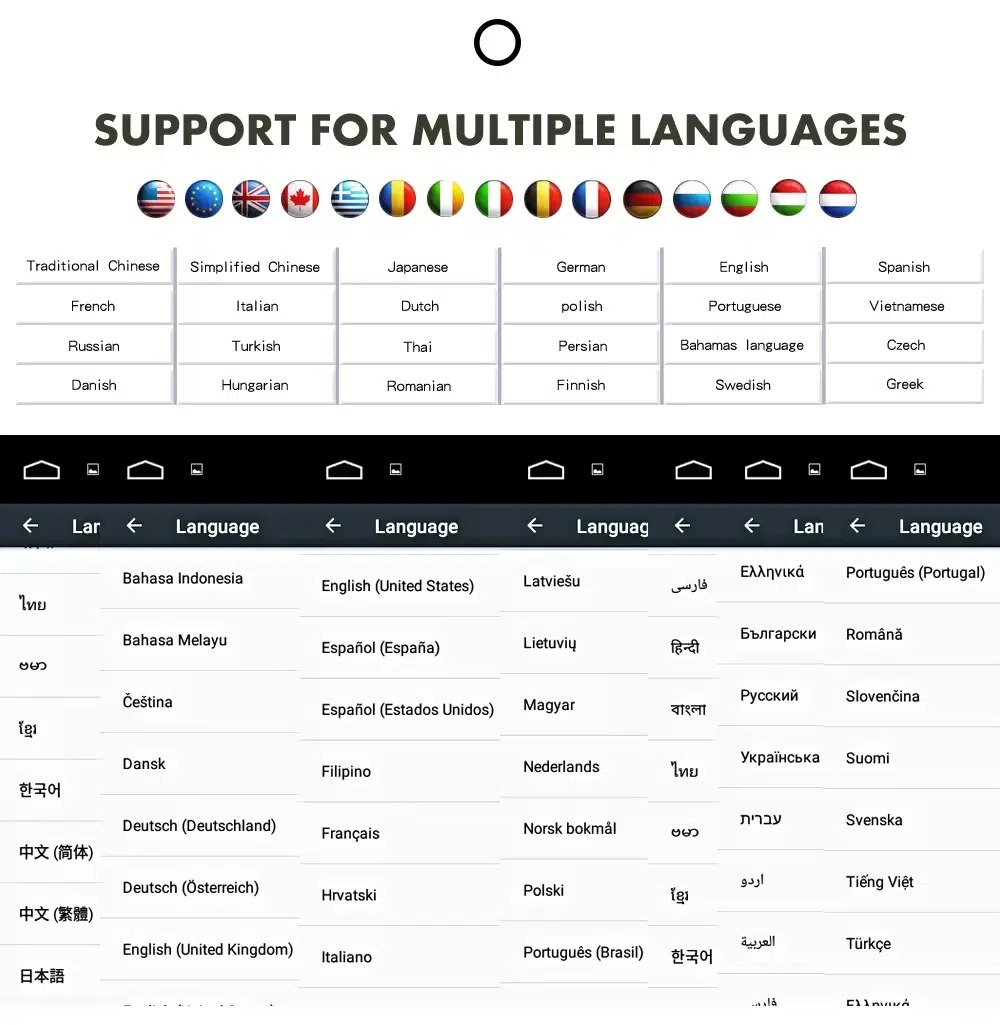
Multilingual interface for global Q3 owners
The Android system supports multiple interface languages, making the Audi Q3 screen upgrade easier to use in the US, Europe, UK, Australia, New Zealand and other supported markets.
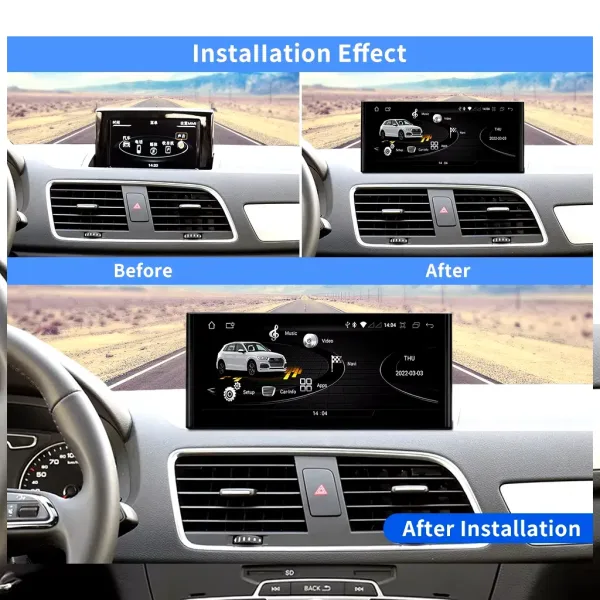
Slim screen design for a refined dashboard look
A slim screen body helps the upgrade look integrated in your Audi Q3 cabin instead of appearing like a low-cost add-on.
Connection kit for the correct version
The harness, antennas and interface accessories are important because the correct Audi Q3 configuration reduces wrong-version and wrong-connector risk.
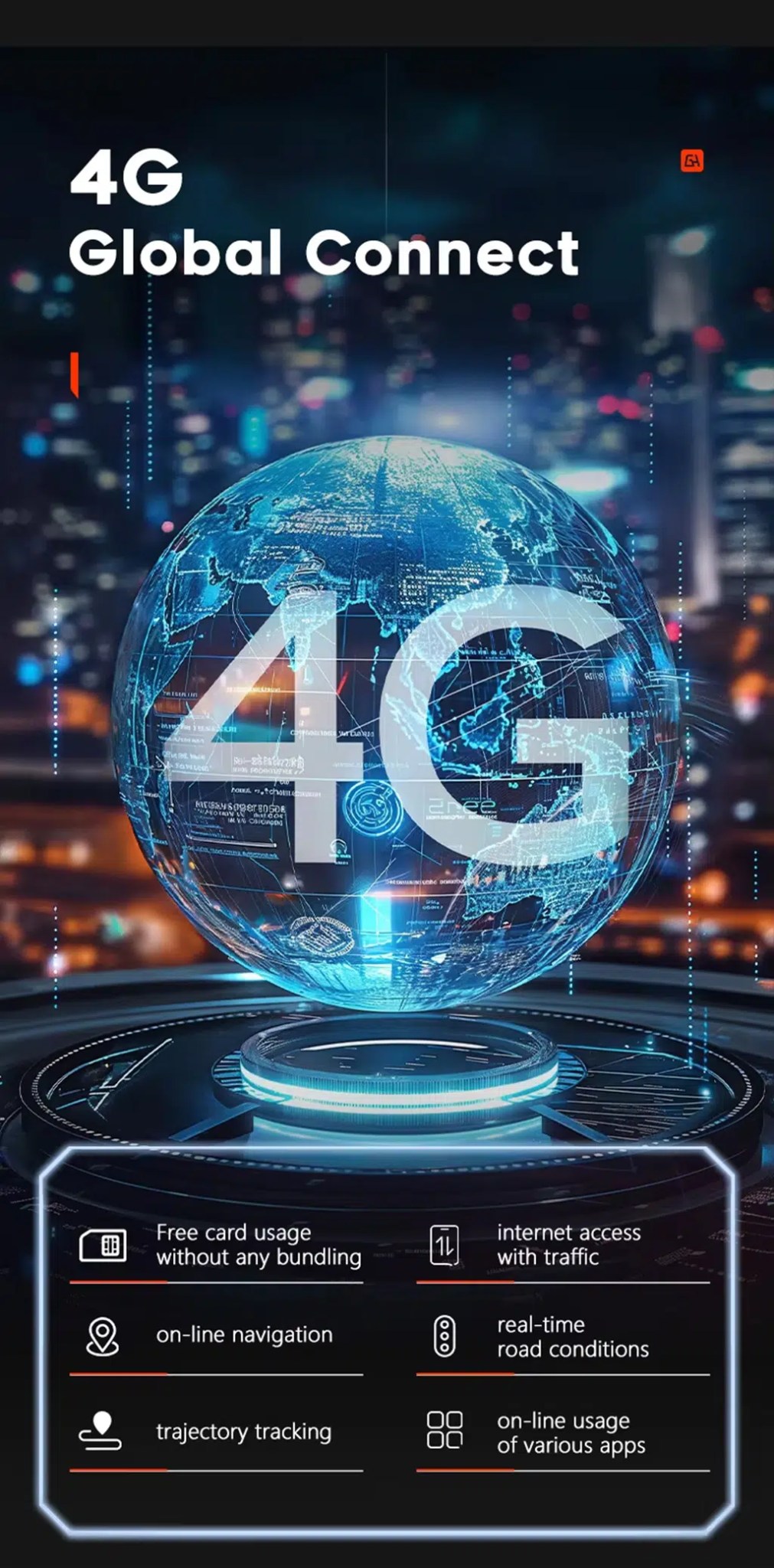
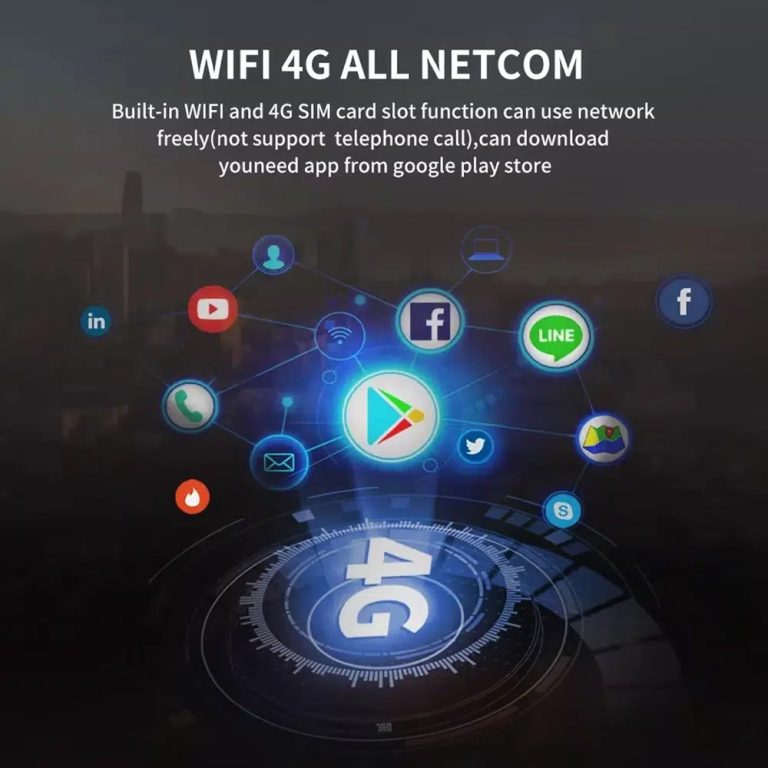
WiFi and 4G for connected driving
With WiFi and 4G support, your Q3 can use online navigation, connected apps and media streaming more naturally than the old factory interface.
Modern app access on a larger screen
The upgraded Android screen makes maps, music and daily phone functions easier to see and control during normal driving.
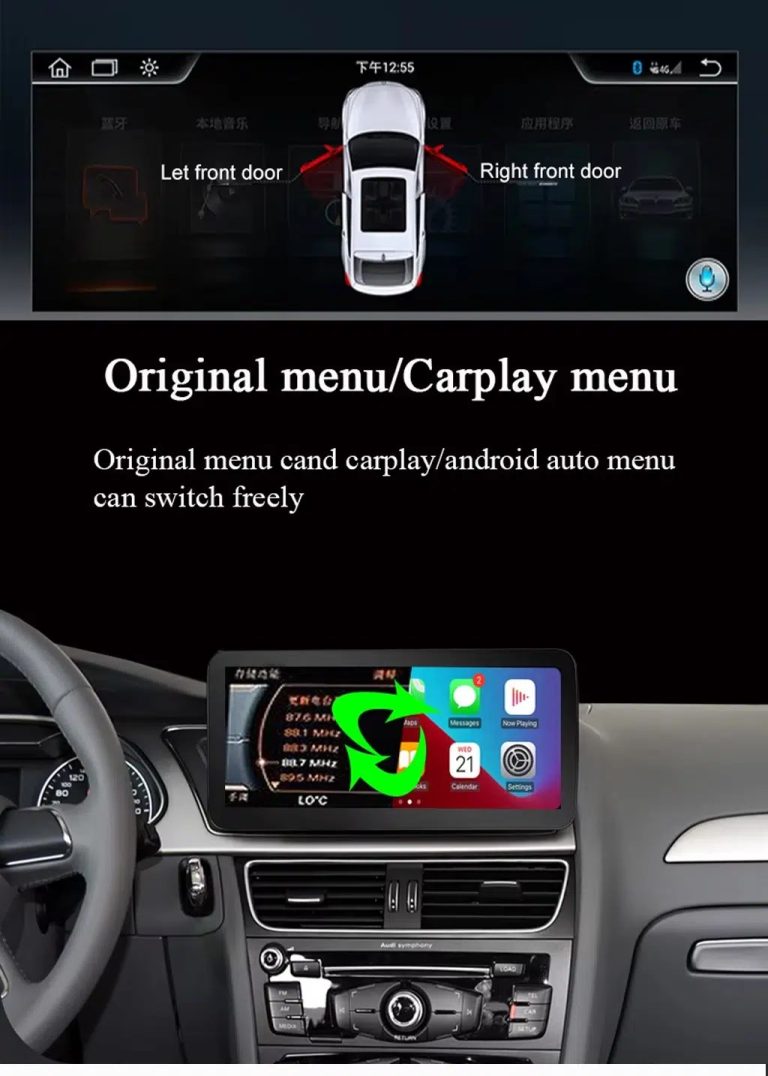
Switch between original Audi menu and CarPlay
You can use wireless CarPlay or Android Auto while keeping access to supported original Audi menu functions after correct configuration.
Navigation and entertainment in one upgrade
This Audi Q3 Android screen upgrade is useful when you want maps, media, Bluetooth and phone functions in one cleaner display.
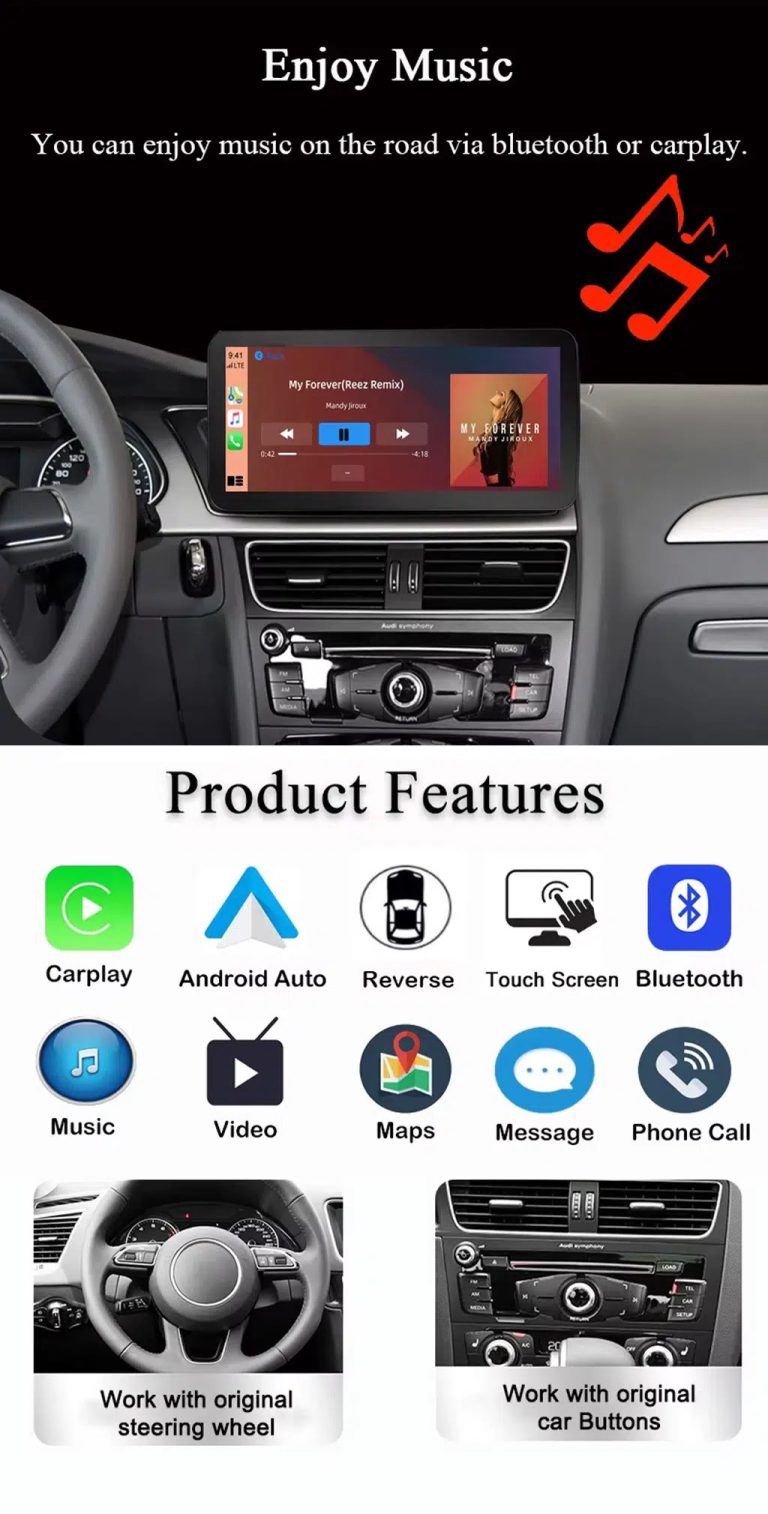
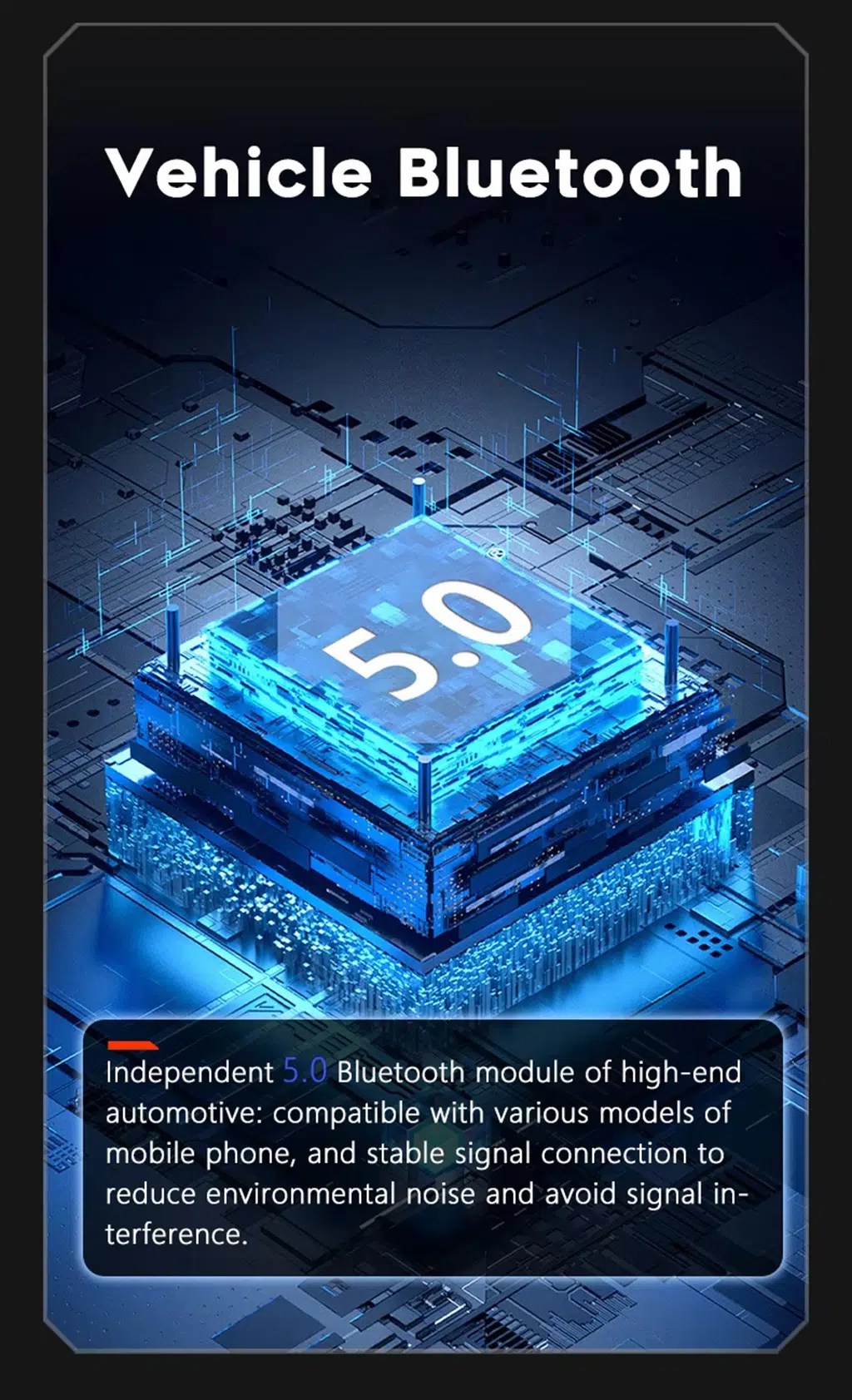
CarPlay, Android Auto, music and Bluetooth
Your Q3 becomes easier to use every day with phone projection, maps, calls, music and Bluetooth brought into a larger touch interface.
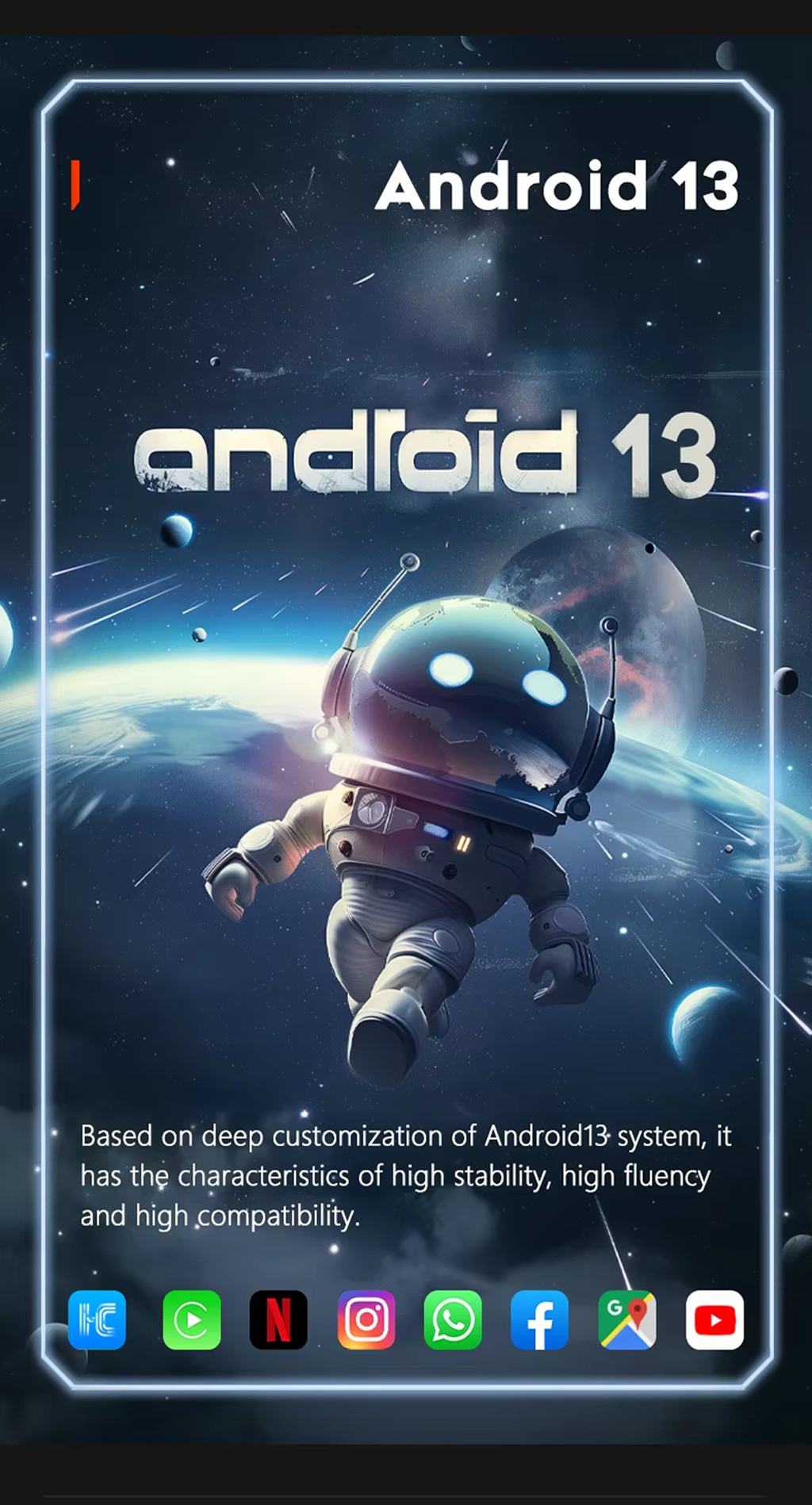
Android 13 operating system
Android 13 gives the screen a flexible app environment for navigation, media and connected driving features.
Connected navigation for daily routes
The larger display is built for drivers who rely on modern navigation apps instead of the older factory screen experience.
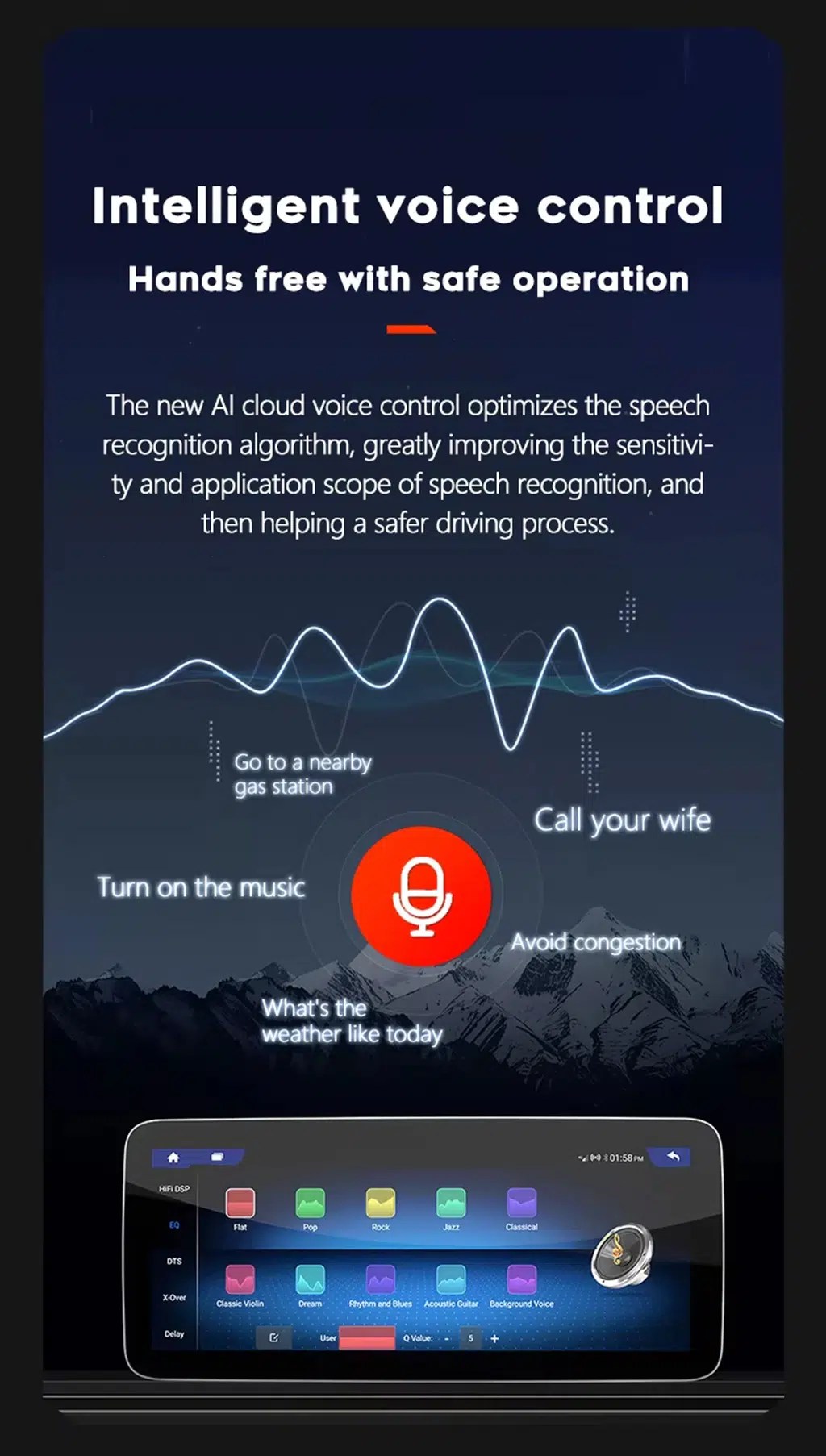
Voice control for safer operation
Voice assistant support helps you use maps, calls and music with less screen interaction while driving.
Unterstützung für 4G-Netze
4G support allows online maps, app use and real-time connected functions when paired with a compatible SIM and local network coverage.
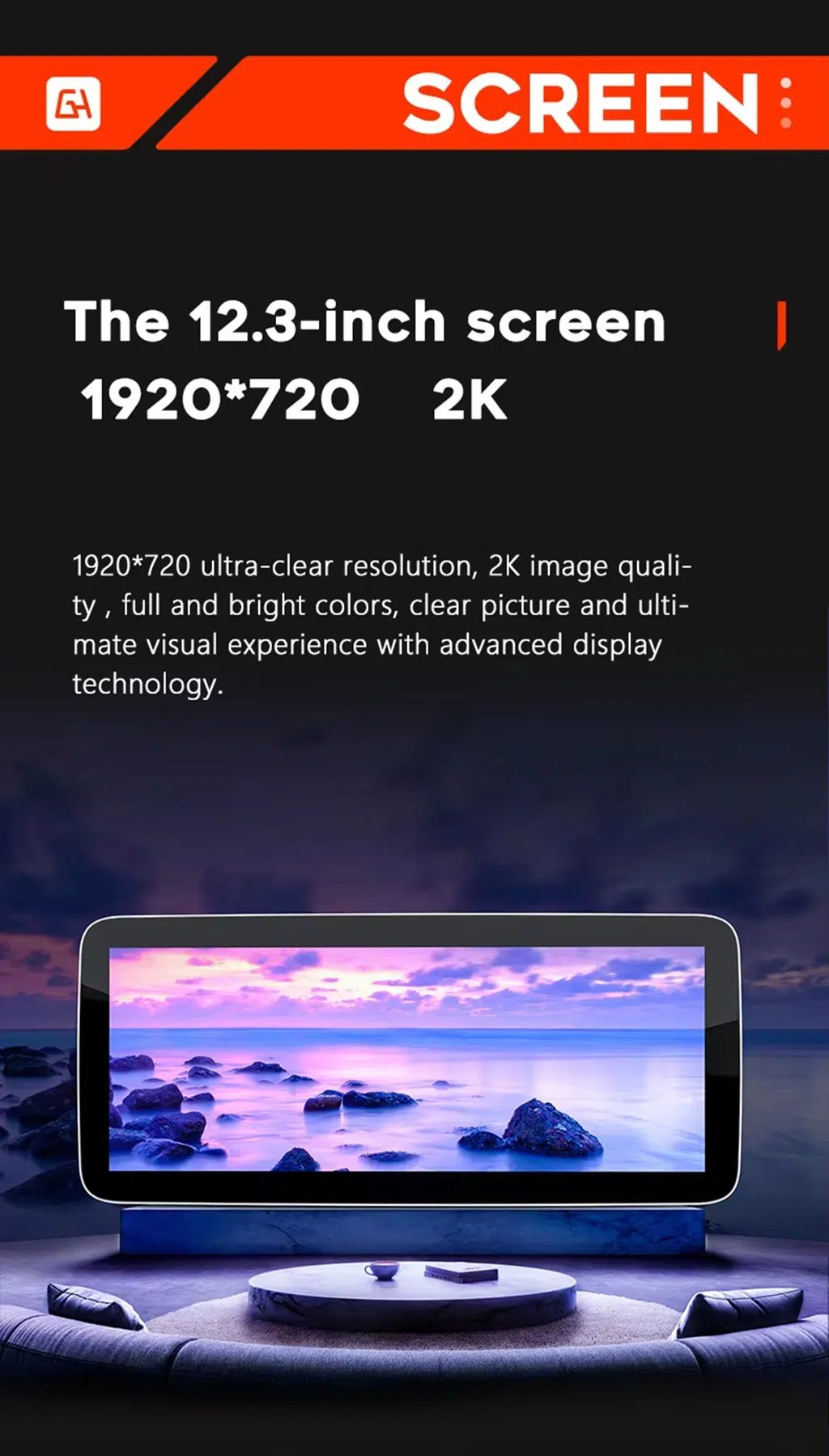
12.3-inch screen option with wide display support
Choose the 12.3-inch option if you want a stronger visual upgrade and a wider area for maps, CarPlay, Android Auto and media.
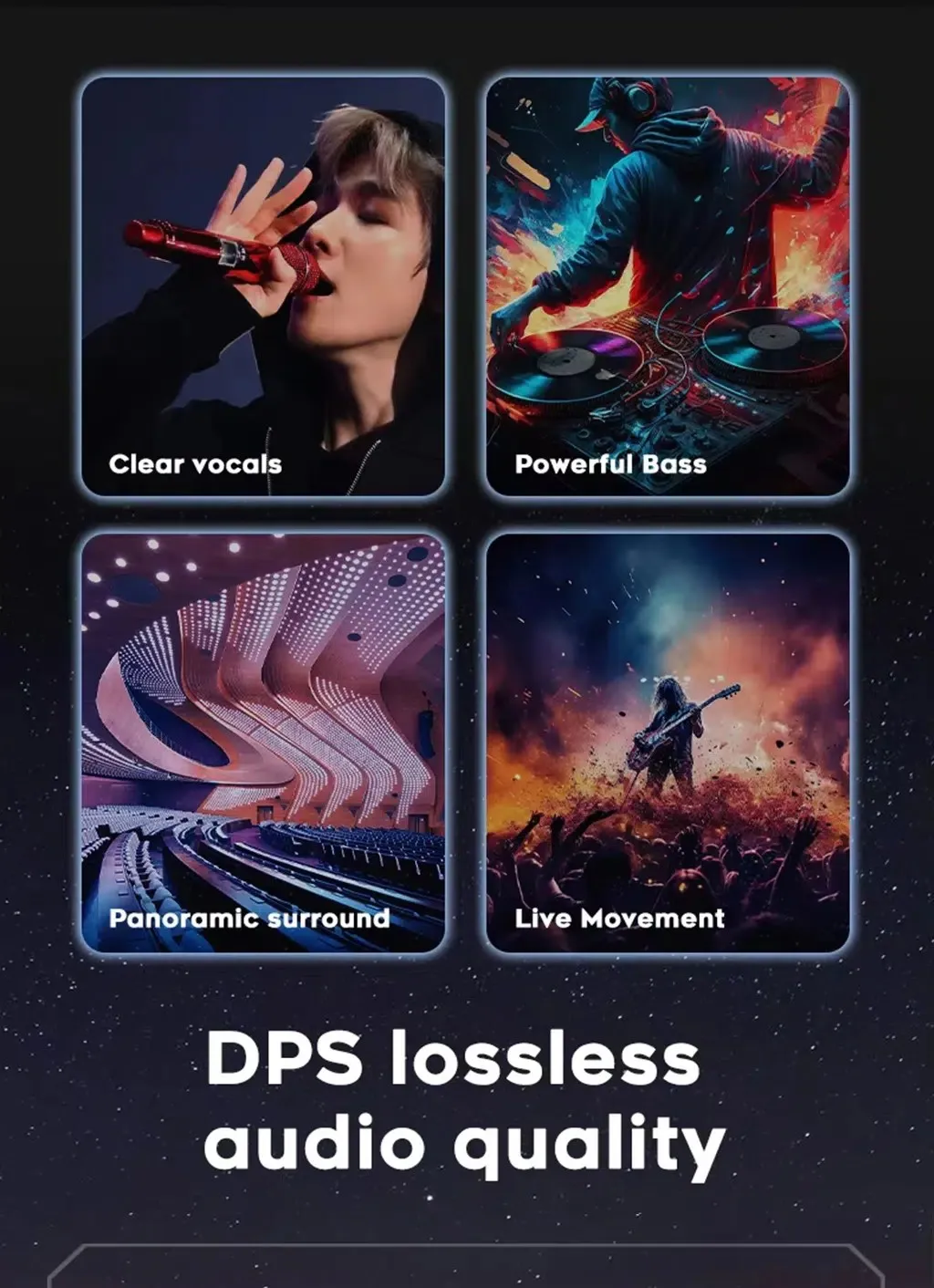
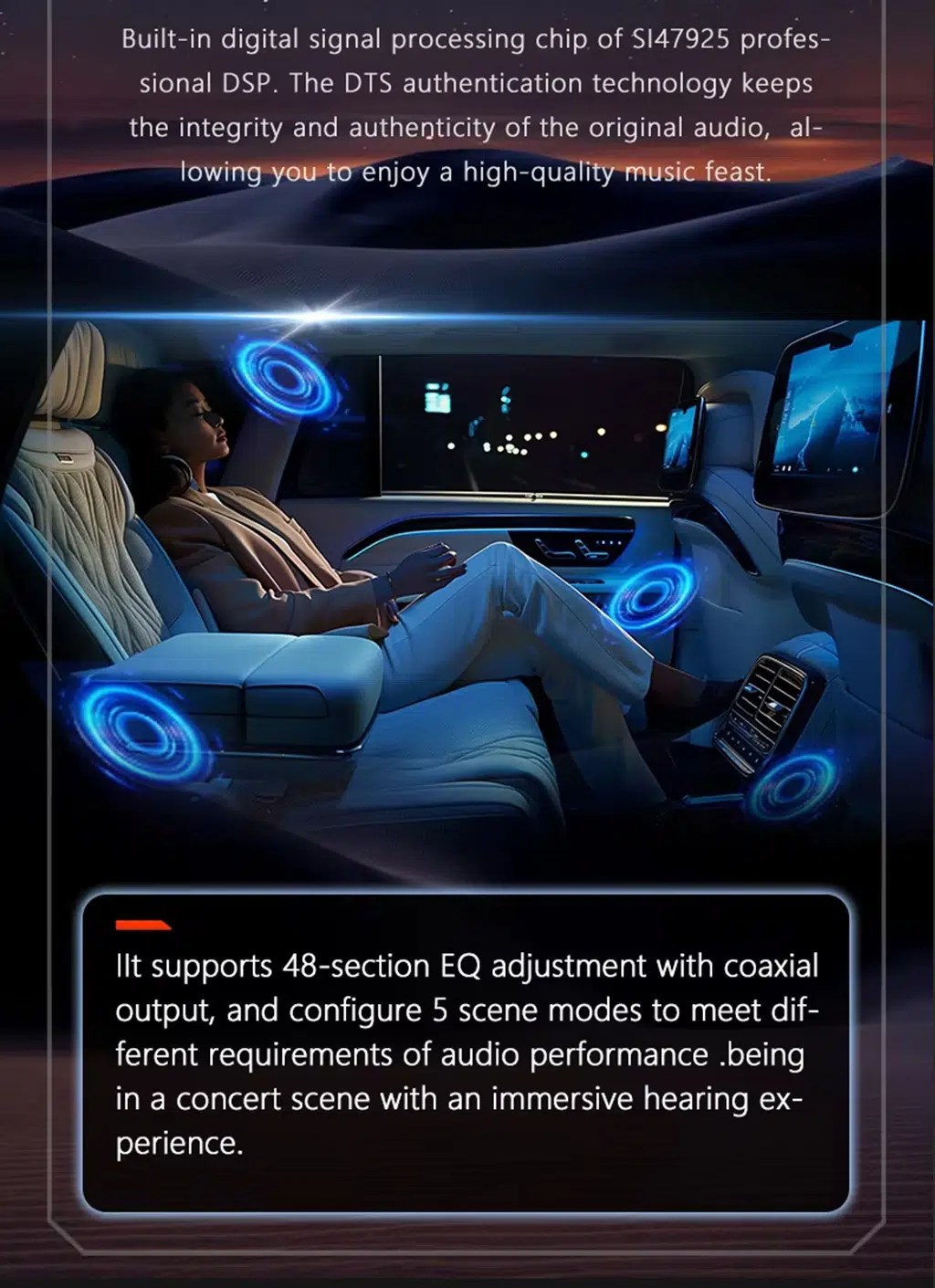
DSP tuning for better sound control
DSP audio control helps you adjust the music output more precisely than a basic factory sound menu.
32-band EQ for music adjustment
Fine EQ control helps you tune vocals, bass and sound balance for different driving conditions and listening preferences.
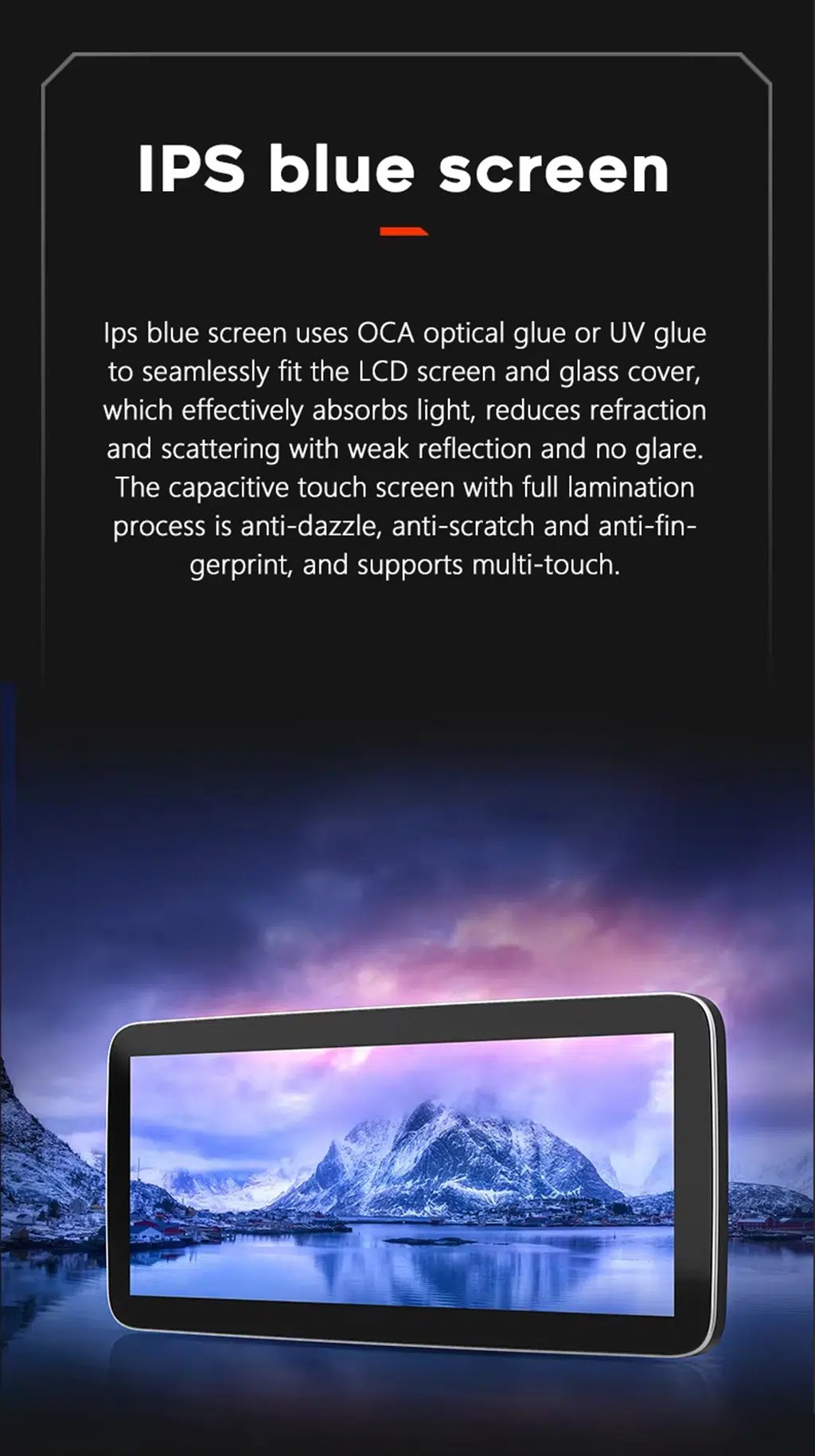
Laminated IPS-style screen experience
The screen structure is intended to improve viewing clarity and touch use compared with a dated factory interface.
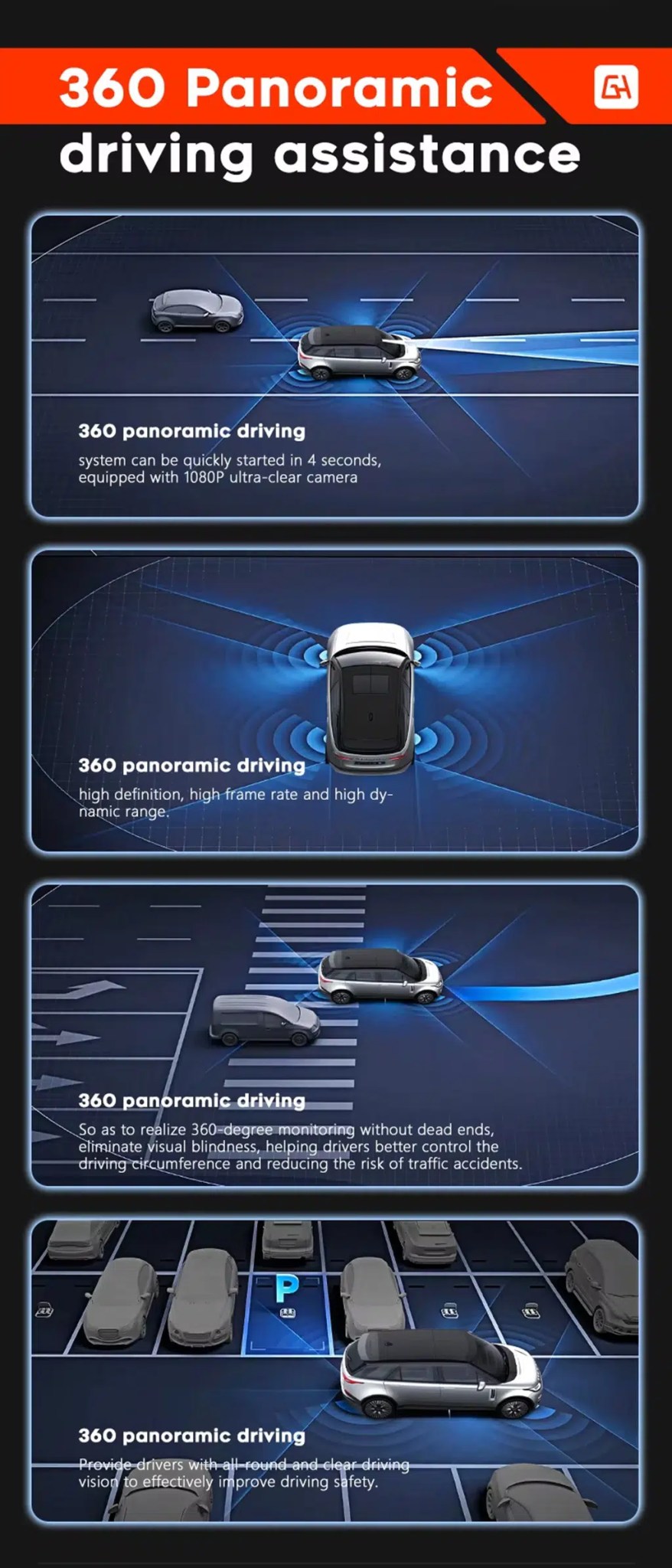
360 panoramic camera support where configured
For supported camera setups, panoramic camera input can help improve parking awareness and low-speed maneuvering.
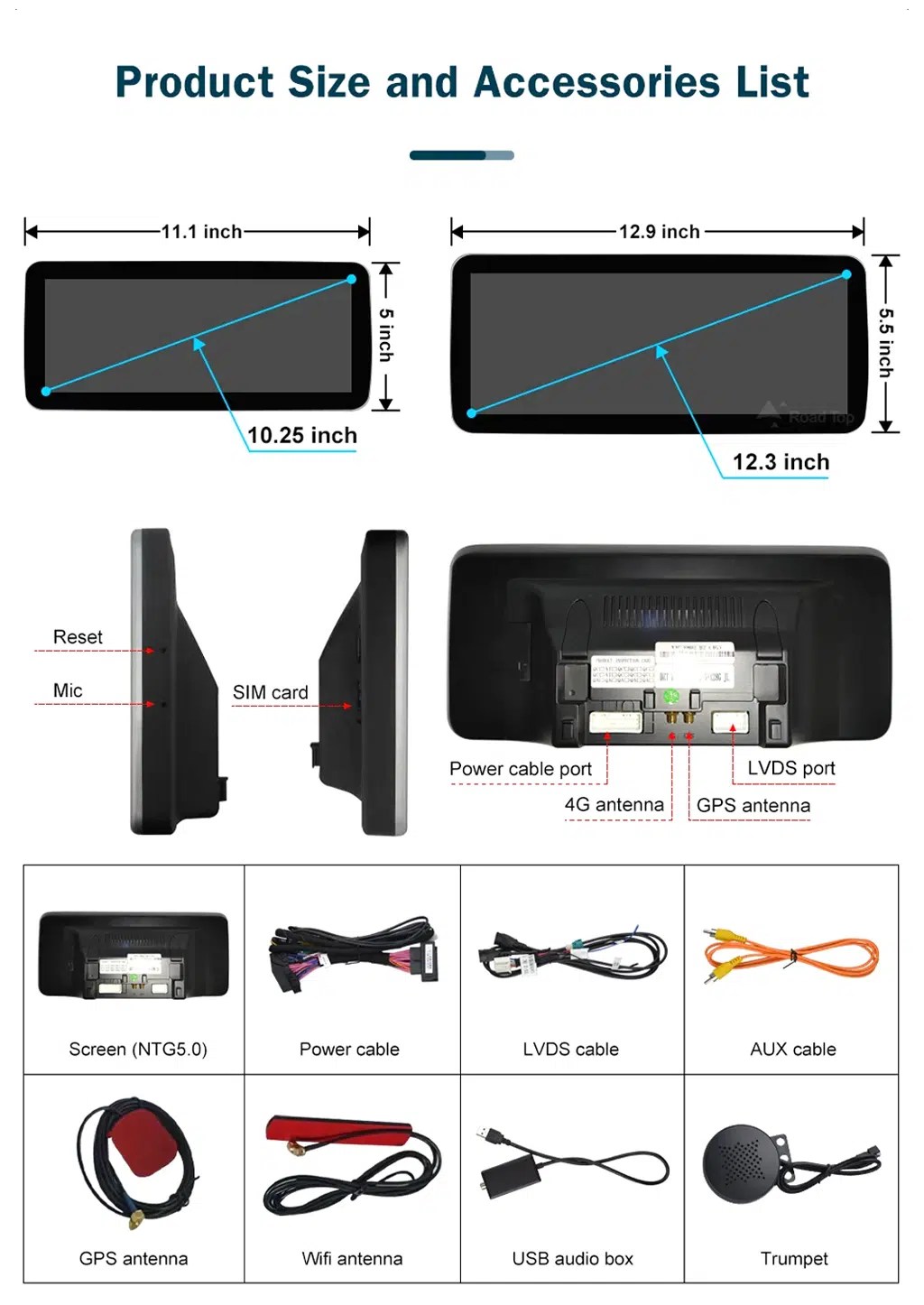
Screen size, ports and accessory layout
This helps you understand the physical screen choices, rear ports and accessory set before installation, including the screen, power cable, LVDS cable, AUX cable, GPS antenna, WiFi antenna, USB audio box and microphone.
Audi Q3 CarPlay Screen Upgrade for Daily Driving
Moderne Telefonintegration
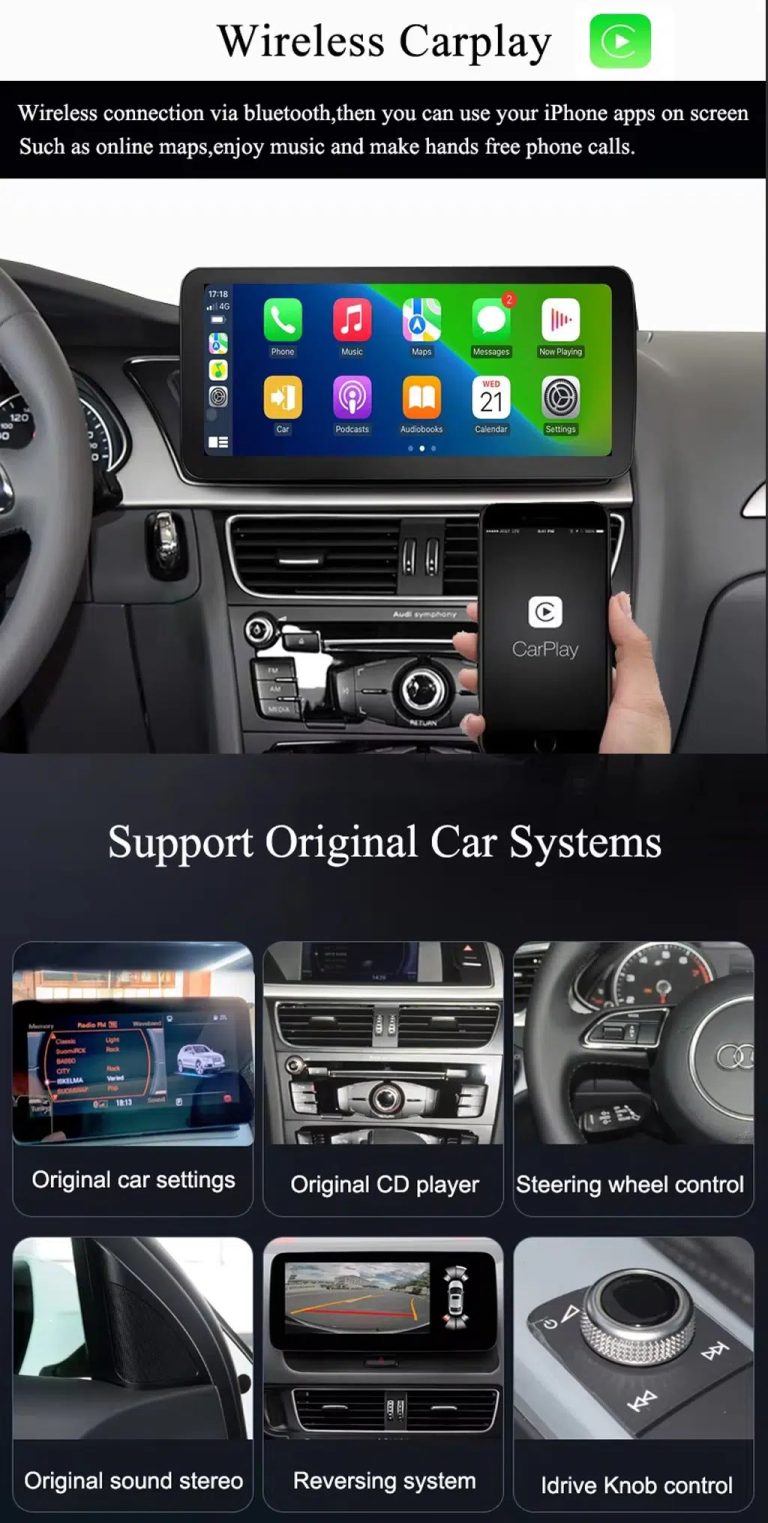
Wireless CarPlay and Android Auto make maps, calls, music and messages easier to use without depending on the older factory screen workflow.
Android screen, not only a module
This is a full Android 13 screen upgrade with memory options, GPS, 4G/WiFi, Bluetooth, DSP and camera support—not just a basic CarPlay add-on box.
Factory controls retained
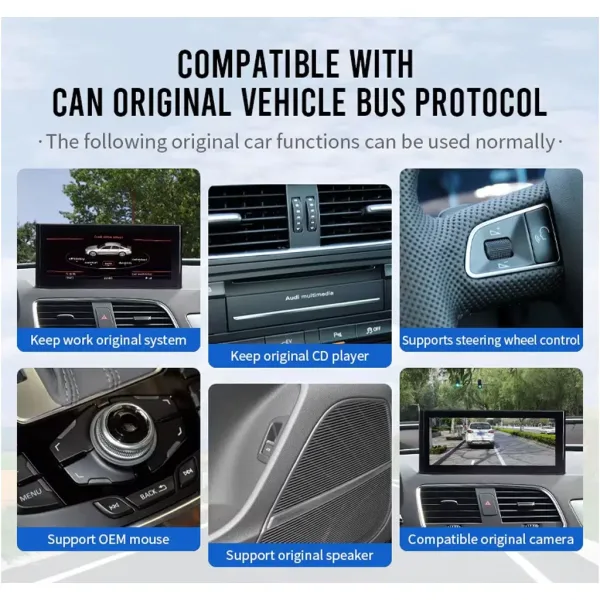
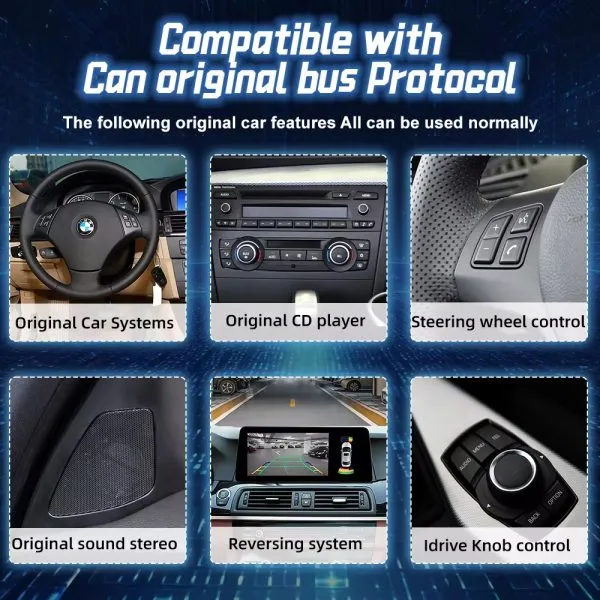
Supported original Audi menu switching, steering-wheel controls, factory buttons, compatible camera input and audio connection continue to work after correct setup.
10.25 and 12.3 inch choices
Choose a cleaner 10.25-inch look or a wider 12.3-inch visual upgrade according to your dashboard preference and driving needs.
DSP-Klangsteuerung
Der 32-Band-EQ des DSP bietet mehr Kontrolle über die Musikwiedergabe als die standardmäßigen werkseitigen Klangeinstellungen.
Vor dem Versand vorbereitet
iKAGOO checks your Audi Q3 details before shipment to help match the correct screen, harness, CANBUS and vehicle interface.
Behalten Sie die Audi-Steuerungslogik bei, während Sie den Bildschirm aufrüsten
Unterstützte Originalfunktionen
- Nach korrekter Konfiguration wird die Umschaltung im Original-Audi-Menü unterstützt.
- Die originalen Lenkradbedienelemente funktionieren weiterhin über die passende Fahrzeugschnittstelle.
- Factory buttons and controller operation are retained where supported by the original system.
- Compatible factory reverse-camera display and AHD/CVBS camera input are supported.
- Original speakers and factory audio connection remain supported through the matched wiring and interface.
- Die CANBUS-Fahrzeugkommunikation wird für kompatible Fahrzeugdaten und Parkfunktionen unterstützt.
One clean warning, not repeated fear
Spezielle Werks-Audiosysteme, nicht serienmäßige Kameras, frühere Nachrüstungen oder ungewöhnliche regionale Konfigurationen erfordern unter Umständen zusätzliche Anschlussanleitungen. Bitte geben Sie bei der Bestellung die erforderlichen Fahrzeugdaten an, damit iKAGOO die richtige Version vorbereiten kann.
Audi Q3 Android Auto screen specifications
| Produkttyp | Vehicle-specific Audi Q3 CarPlay Screen / Android head unit / Android car stereo |
|---|---|
| Kompatibles Fahrzeug | Audi Q3 2013–2018, commonly associated with the Q3 8U generation. Final version is prepared after checking your dashboard, factory system and connectors. |
| SKU | BBA-118 |
| Bildschirmgröße | 10,25 Zoll oder 12,3 Zoll |
| System | Android 13 |
| Hauptplatine | Plattformoptionen für TSK8259 / TSK8667 |
| CPU | 8 Core CPU; G5 platform uses Octa-core Cortex-A53; G6 platform uses CA75 + CA55 architecture |
| Speicheroptionen | 2+32GB, 4+64GB, 6+128GB, 8+128GB DSP CarPlay |
| CarPlay / Android Auto | Unterstützung für drahtloses CarPlay und drahtloses Android Auto |
| Navigation | GPS / Glonass; Unterstützung für GPS und Beidou ist im Plattformvergleich aufgeführt |
| Netzwerk | WLAN-/4G-Unterstützung; 2,4-GHz-/5-GHz-WLAN im Plattformvergleich aufgeführt |
| Bluetooth | BT 4.0 / BT 5.0, je nach Konfiguration |
| DSP | DSP-32-Band-EQ; die integrierte DSP-Unterstützung hängt von der gewählten Plattform und der Speicherkonfiguration ab |
| Kamera-Unterstützung | AHD rear view camera, CVBS rear camera and 360 panoramic camera support where configured |
| DVR-Funktion | Unterstützung für USB-DVR mit 1080p-Auflösung (vorne/hinten) |
| Radio-Funktion | FM/AM/RDS oder FM/RDS, je nach Konfiguration |
| Verpackungsgröße / Gewicht | 40 × 24 × 20 cm; 4,2 kg |
10.25” and 12.3” Audi Q3 CarPlay Screen options
10,25 Zoll
Best if you want a cleaner OEM-style upgrade and do not want the screen to visually dominate the dashboard.
12,3 Zoll
Best if you want a stronger visual upgrade, a wider map view and a more premium screen presence.
2+32 GB / 4+64 GB
Suitable for basic CarPlay, Android Auto, Bluetooth, maps, music and normal daily driving use.
6+128GB / 8+128GB DSP CarPlay
Recommended if you want smoother app use, more storage, stronger multitasking and better sound control with DSP support.
Prepared for your Q3, not just shipped from a shelf
Fahrzeugspezifische Vorbereitung
iKAGOO checks your Audi Q3 model year, dashboard layout, factory system, LHD/RHD position and connector photos before shipment.
Korrekte Abstimmung von Bildschirm und Kabelbaum
Der Bildschirm, der Kabelbaum und die Fahrzeugschnittstelle werden anhand Ihrer tatsächlichen Bestelldaten vorbereitet, um das Risiko von Versionsfehlern zu verringern.
Integration der ursprünglichen Funktion
The upgrade is planned around supported original Audi controls, factory menu access, camera input and audio connection.
Schutz der werkseitigen Verkabelung
Das Konzept der angepassten Verkabelung ist darauf ausgelegt, Verbindungen herzustellen, ohne die unterstützten werkseitigen Kabel absichtlich zu durchtrennen.
Unterstützung bei der Installation und Einrichtung
If your installer needs help with wiring, camera, CANBUS or audio configuration, iKAGOO provides after-sales guidance.
12-month Hardware-Garantie
Ihr Kauf umfasst eine 12-monatige Hardware-Garantie für abgedeckte Produktfehler sowie einen weltweit nachverfolgbaren Versand.
Drei praktische Überprüfungen vor dem Upgrade
Notwendigkeit eines iKAGOO-Upgrades
Ergebnis: Starke Argumente für ein Upgrade.
This upgrade has high daily-use value for Audi Q3 owners who want modern maps, wireless CarPlay, Android Auto, connected apps and a larger screen instead of only repairing the old factory display.
Standard für die Notwendigkeit eines Upgrades anzeigeniKAGOO Original – Fahrzeugkompatibilität
Ergebnis: Nahezu OEM-konforme tägliche Integration, sofern die richtige Version bereitgestellt und installiert wird.
Eine Bewertung von 88/100 bedeutet nicht, dass 12% der werkseitigen Funktionen verloren gehen. Sie spiegelt die Kontinuität der werkseitigen Funktionen, die Kontinuität der ursprünglichen Steuerung, die Integration der Fahrzeugschnittstellen, die Übereinstimmung der physikalischen Architektur sowie die Integration bei der Installation wider.
Kompatibilitätsstandard anzeigenSchwierigkeitsgrad der iKAGOO-Installation
Ergebnis: Stufe 3 – Fortgeschrittenes Heimwerken.
Geeignet für erfahrene Heimwerker oder Kfz-Elektroniker. Die Installation erfordert eine sorgfältige Demontage des Armaturenbretts, den Anschluss der entsprechenden Kabel, die Verlegung von Antennen- und USB-Kabeln, die Einrichtung des CAN-Busses sowie eine umfassende Funktionsprüfung.
Installationsschwierigkeitsgrad anzeigen (Standard)CarPlay module, factory repair, or full Audi Q3 Android head unit?
Den alten Werksbildschirm behalten
Der Aufwand ist minimal, doch die tägliche Bedienung und das Smartphone-Erlebnis wirken nach wie vor veraltet.
Repair or used factory unit
Nützlich, um die ursprüngliche Funktionsweise wiederherzustellen, trägt jedoch nicht wesentlich dazu bei, ein modernes CarPlay- oder Android Auto-Erlebnis zu schaffen.
Reine CarPlay-Oberfläche
Good if you only want phone projection, but it usually keeps the old screen size and does not give you a full Android 13 display upgrade.
iKAGOO Audi Q3 CarPlay Screen
Best fit when you want a larger 10.25/12.3 inch screen, Android 13, wireless CarPlay, Android Auto, GPS, 4G/WiFi, DSP and retained original control integration.
Kaufempfehlung: Choose this iKAGOO upgrade if your goal is not only adding CarPlay, but making your 2013–2018 Audi Q3 feel modern again while keeping supported factory functions usable.
Help iKAGOO prepare the correct Audi Q3 screen version
Bitte geben Sie Folgendes an:
- Fahrzeugmodelljahr und Absatzregion.
- Linkslenker oder Rechtslenker.
- Foto des Armaturenbretts, das den Originalbildschirm und das Bedienfeld zeigt.
- Original factory system photo or settings page if available.
- Fotos der Anschlüsse, falls das alte Gerät bereits ausgebaut wurde.
- Whether your vehicle has factory amplifier, factory camera or parking radar.
- Ob am Fahrzeug bereits nachträgliche Umbauten vorgenommen wurden.
Warum das wichtig ist
Audi Q3 vehicles may be sold under slightly different market years or configurations. iKAGOO prepares the correct version according to the vehicle generation, model year, dashboard layout, factory system and connector configuration—not only the badge name.
This helps us prepare the correct screen, wiring harness, CANBUS interface and vehicle connection plan for your order.
Audi Q3 8U compatibility notes
This product page is for the 2013–2018 Audi Q3 CarPlay Screen upgrade. The first-generation Audi Q3 is commonly known as the Q3 8U generation, but iKAGOO does not expand this product claim to every nearby year unless the dashboard, factory system, connector and screen structure are confirmed before ordering.
For UK, EU, North America, Middle East, Australia, New Zealand and other markets, the name may remain Audi Q3 while the dashboard, LHD/RHD position and factory system may vary. Please send the requested photos before shipment so iKAGOO can match the correct version.
Installation work required for this Audi Q3 Android screen
Typische Installationsschritte
- Remove the relevant dashboard trim and factory screen/control area carefully.
- Schließen Sie den passenden Stromkabelbaum, das LVDS-Kabel und die Fahrzeugschnittstelle an.
- GPS-Antenne, WLAN-/4G-Antenne, USB-Kabel und Mikrofon (falls verwendet).
- Connect camera input and audio output according to your Q3 configuration.
- CAN-Bus-Protokoll und Bildschirmeinstellungen festlegen.
- Testen Sie vor dem Zusammenbau die Lenkradbedienelemente, die Original-Menüführung, das Audiosystem, die Rückfahrkamera, Bluetooth, CarPlay und Android Auto.
Brechen Sie die Installation ab und wenden Sie sich an iKAGOO, wenn
- Der Stecker passt nicht zum mitgelieferten Kabelbaum.
- Die Stifte sind verbogen, beschädigt oder unkenntlich.
- Die Verkabelung entspricht nicht dem Schaltplan.
- Sie bemerken ungewöhnliche Hitze, Gerüche oder Rauch.
- Eine Sicherung brennt immer wieder durch.
- Es lässt sich nicht feststellen, ob es sich um Strom oder Masse handelt.
- Jemand schlägt vor, den Hauptkabelbaum der Fabrik durchzuschneiden.
- Das Verhalten von CANBUS, Kamera, Verstärker oder Audiosystem ist ungewöhnlich und lässt sich nicht erklären.
Kundendienst nach der Bestellung
Weltweiter Versand mit Sendungsverfolgung
Bestellungen werden mit Sendungsverfolgung versandt. Die übliche Lieferzeit hängt von der Region und den Bedingungen des jeweiligen Versanddienstleisters ab.
12-month Hardware-Garantie
Für abgedeckte Hardware-Mängel gilt die iKAGOO-Garantie. Installationsschäden, unsachgemäße Verwendung oder nicht genehmigte Modifikationen gelten nicht als Produktfehler.
Installationsunterstützung
iKAGOO hilft Ihnen nach der Lieferung bei Fragen zu Anschluss, Kamera, CAN-Bus, Audio und Konfiguration.
Um sich über alle Einzelheiten unserer Richtlinien zu informieren, lesen Sie bitte vor der Bestellung die aktuellen iKAGOO-Seiten zu Versand, Garantie und Rückgabe durch.
Audi Q3 CarPlay Screen FAQ
Will this Audi Q3 CarPlay Screen fit my exact vehicle?
Answer: Yes, if your vehicle matches the supported 2013–2018 Audi Q3 8U dashboard and factory system configuration. Before shipment, iKAGOO checks your model year, market region, LHD/RHD position, dashboard photo, original screen layout and connector information to prepare the correct version.
Handelt es sich hierbei um einen vollständigen Android-Bildschirm oder nur um ein CarPlay-Modul?
Answer: This is a full Android screen upgrade, not only a hidden CarPlay interface module. It supports wireless CarPlay and Android Auto, but it also includes Android 13, 10.25-inch or 12.3-inch screen options, GPS navigation, WiFi/4G, Bluetooth, DSP audio control and camera support.
Funktioniert das Original-Audi-Menü nach dem Einbau weiterhin?
Antwort: Ja, die Unterstützung der Original-Audi-Menüführung bleibt nach korrekter Installation und Konfiguration erhalten. This allows you to use CarPlay or Android Auto while still keeping access to supported factory system functions.
Funktionieren meine Lenkradbedienelemente und die Originaltasten weiterhin?
Antwort: Ja, die unterstützten Lenkradbedienelemente und die Original-Tasten funktionieren weiterhin über die passende CAN-Bus- und Fahrzeugschnittstelle. Function behavior can vary by factory system, region and previous modifications, so iKAGOO checks your vehicle information before shipment.
Unterstützt es die werkseitige Rückfahrkamera oder die Parkkamera?
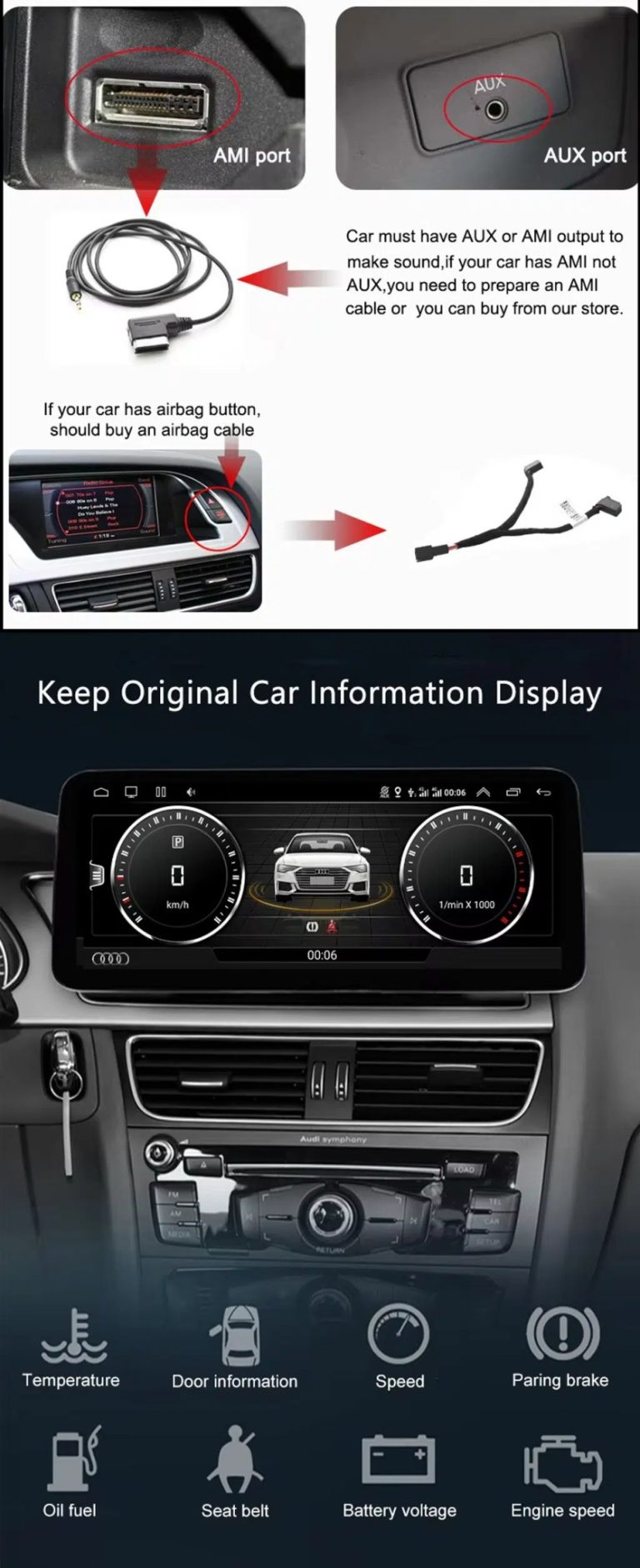
Answer: Yes, compatible factory reverse-camera input and AHD/CVBS camera input are supported. If your Audi Q3 has a factory camera, aftermarket camera, parking radar or special camera interface, send photos before shipment so iKAGOO can prepare the correct connection plan.
Muss ich die Originalverkabelung von Audi durchtrennen?
Antwort: Es ist kein absichtliches Durchtrennen der werkseitig verlegten Verkabelung erforderlich. Für das Upgrade werden ein passender Kabelbaum und eine Fahrzeugschnittstelle verwendet. Sollte ein Monteur behaupten, der werkseitige Hauptkabelbaum müsse durchtrennt werden, brechen Sie die Installation ab und wenden Sie sich zunächst an iKAGOO.
Soll ich mich für den 10,25-Zoll- oder den 12,3-Zoll-Bildschirm entscheiden?
Answer: Choose 10.25 inch if you want a cleaner factory-style look, and choose 12.3 inch if you want a wider map view and stronger visual upgrade. If you are unsure, send your dashboard photo and iKAGOO can help you choose the better version for your Q3.
Welche Speicherausführung soll ich wählen?
Answer: Choose 2+32GB or 4+64GB for basic CarPlay, Android Auto, Bluetooth, maps and music use. Choose 6+128GB or 8+128GB DSP CarPlay if you want smoother app use, more storage, better multitasking and stronger audio tuning.
Can this work on right-hand-drive Audi Q3 models?
Antwort: Dies ist möglicherweise möglich, jedoch muss vor dem Versand bestätigt werden, dass es sich um ein Fahrzeug mit Rechtslenkung handelt. Bitte geben Sie Ihre Marktregion, ein Foto des Dashboards und ein Foto des Originalsystems an, damit iKAGOO die richtige Bildschirm- und Verkabelungskonfiguration vorbereiten kann.
Who should install this Audi Q3 Android screen?
Antwort: Es wird empfohlen, einen erfahrenen Heimwerker oder einen Fachmann für Kfz-Elektronik zu beauftragen. Es handelt sich hierbei um eine Installation der Stufe 3, da sie die Demontage des Armaturenbretts, den Anschluss des Kabelbaums, die Verlegung von Antennen- und USB-Kabeln, die Einrichtung des CAN-Busses, die Überprüfung von Kamera und Audio sowie umfassende Funktionstests vor dem Zusammenbau erfordert.
What should I send before iKAGOO prepares my order?
Answer: Send your Audi Q3 year, country, LHD/RHD position, dashboard photo, original screen photo, factory system photo and connector photos if available. Also tell us whether your vehicle has a factory amplifier, factory reverse camera, parking radar or previous aftermarket modifications.
3.00
2 Bewertungen für Audi Q3 CarPlay Screen 2013–2018 Android 13 Upgrade
Du musst logged in sein, um eine Bewertung abzugeben.


Marcus Hall -
Perfekte Passform für meinen Q3 von 2014, keine Lücken oder Zuschnitte. Android Auto ist auf langen Fahrten absolut stabil und die Bluetooth-Anrufqualität ist klar. Das Zurückschalten zum originalen Audi-Menü erfolgt sofort.
bakjdj -
3nt152
💰 BTC Verlustausgleichsbonus Beansprucht > telegra.ph/Compensations-03-29-2?hs=32bd1e996fe5c878331b61a7b32c911b& 💰
ksxh2k